Python package
ReShiki’s experimental Python API draws, converts and analyzes structures with
the editor’s Rust engine. It requires Python 3.10 or later and runs without the
desktop application. Install it with uv add reshiki or pip install reshiki.
From 0.14.0, each ReShiki release publishes abi3 wheels
with the app’s version for macOS, Windows and Linux on x64 and ARM64; see
Releasing.
Draw and analyze
Section titled “Draw and analyze”import reshiki
aspirin = reshiki.Molecule.from_smiles("CC(=O)Oc1ccccc1C(=O)O")styled = aspirin.clean().with_style("JACS / ACS", font_size=12)styled.save("aspirin.png", width=300)svg = styled.svg()pdf = styled.pdf()print(aspirin.properties().formula)Molecule, Reaction and Drawing are immutable. clean() and
with_style(style, **overrides) return new objects, so they can be chained.
Jupyter displays each object as SVG.
properties() returns a frozen dataclass with the same fields as
reshiki --cli analyze: formula, display_formula,
mass, exact_mass, logp, tpsa, donors, acceptors, rings, inchi,
inchikey, smiles and unpaired_electrons.
Inputs and outputs
Section titled “Inputs and outputs”Use explicit constructors from_smiles(text), from_molfile(text),
from_inchi(text), from_cdxml(text) and from_name(name, online=False).
Names resolve offline by default. Pass online=True to look up a complete name
in PubChem instead:
aspirin = reshiki.Molecule.from_name("aspirin", online=True)Online lookup requires a unique complete-name match and imports stereospecific
SMILES without dropping components. ReShiki verifies that layout preserves its
molecular identity; ambiguous or unsupported results raise ValueError.
Connection failures and request timeouts raise their corresponding Python
exceptions. Each network request has a 15-second timeout. Offline lookup never
contacts PubChem.
reshiki.parse(text, format=None) detects the input format. Drawing.open(path)
uses a file’s extension, including extensionless POSCAR and CONTCAR names. It
accepts native .rsk, MOL/SDF, RXN, SMILES/reaction SMILES, InChI, CDXML, binary CDX,
CIF, PDB/ENT, POSCAR/CONTCAR/.vasp and XYZ/extXYZ. Crystal imports use the
existing crystal readers.
Render with png(), svg() or pdf(), and export with cdxml(), mol(),
sdf(), smiles(), inchi() or rsk(). PNG, PDF and native drawings return
bytes; chemical text and SVG return strings. save(path, **options) chooses the
output format from the extension. EMF raises NotImplementedError pending a
headless exporter.
drawing = reshiki.Drawing.open("rutile.vasp")drawing.save("rutile.svg")png = reshiki.render("CCO", format="png", width=300)mol = reshiki.convert("CCO", to="mol")analysis = reshiki.properties("CCO")Styles and image dimensions
Section titled “Styles and image dimensions”reshiki.styles() lists the editor’s document styles.
Create a reusable reshiki.Style("JACS / ACS", font_size=12), pass it as
style= to a render method, or supply overrides directly, such as
molecule.svg(font_size=12). Overrides use points for physical dimensions.
Bind a style once to reuse it across constructors and functional exports:
custom_style = reshiki.with_style("JACS / ACS", font_family="sans-serif", font_size=12)aspirin = custom_style.Molecule.from_smiles("CC(=O)Oc1ccccc1C(=O)O")named = custom_style.Molecule.from_name("aspirin", online=True)svg = custom_style.render("CCO", "svg", width=300)pngs = custom_style.render_many(["CCO", "c1ccccc1O"], width=300)The context offers Drawing, Molecule and Reaction constructors and the same
parse, render, convert and render_many operations as the module. Returned
objects keep their normal types. The equivalent object-first form is
reshiki.Molecule.from_smiles(text).with_style(custom_style.style).
Contexts are immutable. custom_style.with_style(font_size=14) combines new
overrides with the saved settings; the latest value for a setting wins. Passing
an explicit style name or Style selects a new base. Per-call export overrides
take precedence over the context’s settings. Configuration can be applied before
or after construction; clean() remains an operation on the drawing.
Saved styles include explicit default values, so applying a reset context also
turns off settings already enabled on a drawing. Keyword-only updates to an
individual drawing preserve its other settings.
Labels use the requested font when available, then generic sans-serif. Native builds include a final sans-serif fallback, so installed Liberation Sans is not required. After installing system fonts, restart Python or the Jupyter kernel before rendering again.
The same aspirin drawing exported at 600 dpi illustrates the fallback behavior. The before images use PyPI 0.14.0; the after images use the corrected renderer. Each pair shares the same physical scale and white framing.
| Font environment | Before | After |
|---|---|---|
| No discoverable fonts | 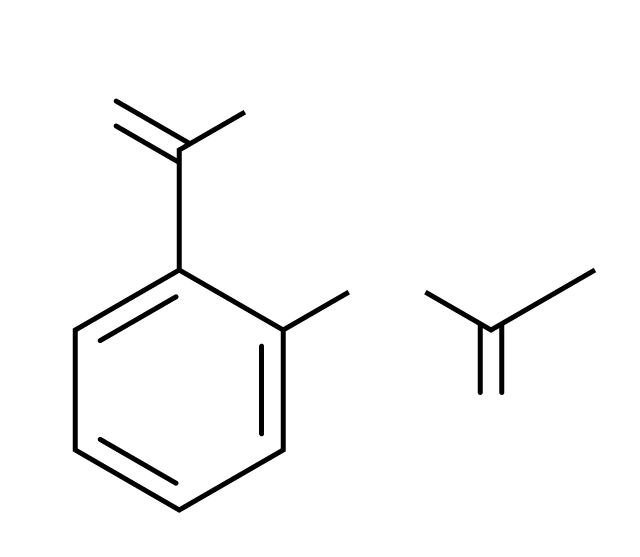 |
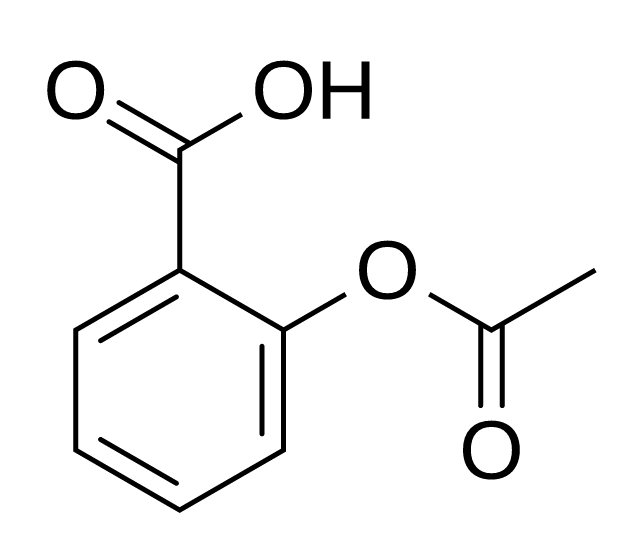 |
| Arial unavailable | 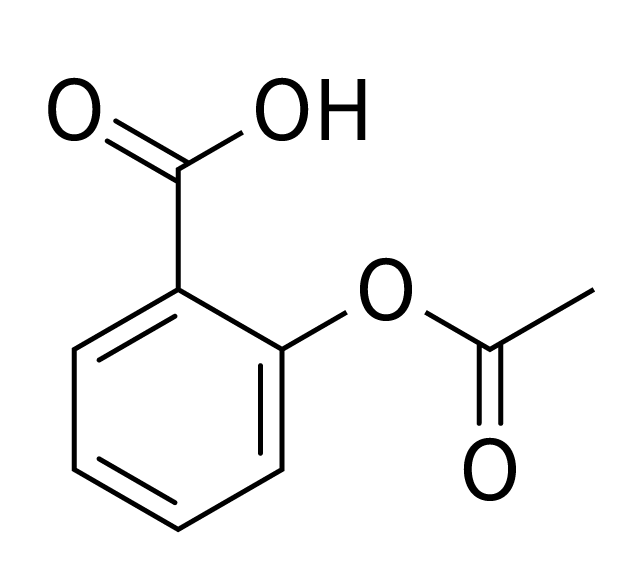 |
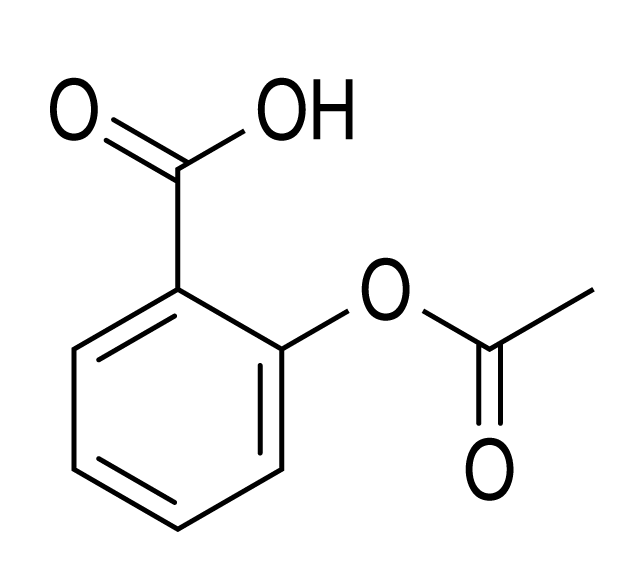 |
PNG size follows the style’s physical bond length and its default resolution.
Use dpi= to set resolution, or width= and/or height= to fit a pixel box
while preserving the aspect ratio.
Batches and integrations
Section titled “Batches and integrations”render_many(items, format="png", errors="none", **options) renders in parallel
while releasing Python’s GIL. It returns a list with None for failed rows and
an .errors list of (index, message) pairs. Use errors="raise" to raise on
a failed row.
pngs = reshiki.render_many(["CCO", "C1CC"], width=300)print(pngs.errors)The Excel extra uses openpyxl and embeds PNG images:
import reshiki
reshiki.excel.add_structures(    "compounds.xlsx", smiles="A", into="B",    out="compounds-drawn.xlsx", width=300, header=True,)
Install reshiki[excel] for this helper. The header defaults to row 1; use
header=False to render from row 1, or start_row= to choose the first row.
Install reshiki[pandas] and explicitly import reshiki.pandas to register
the pandas Series accessor:
import pandas as pdimport reshiki.pandas
series = pd.Series(["CCO", "O"])images = series.reshiki.png(width=300)descriptors = series.reshiki.properties()
The accessor provides .png(), .svg() and .properties(). Optional
dependencies load when their integration is used. RDKit interoperability uses
Molecule.from_rdkit(mol) and molecule.to_rdkit() through MOL blocks when
RDKit is installed.
Editable Office pictures depend on issue #462. EMF export remains a follow-up.
Build and check locally
Section titled “Build and check locally”From the repository root, with Rust and uv installed:
uv run --no-project --python 3.12.15 python scripts/license_notices.pyuvx [email protected] build --manifest-path crates/python/Cargo.toml --locked --out artifacts/pythonuv run --no-project --python 3.12.15 python scripts/check_python_wheel_notices.py 'artifacts/python/*.whl'uv sync --project crates/python --all-extras --no-install-projectuv run --project crates/python --no-sync --with ./artifacts/python/*.whl --with rdkit pytest crates/python/testsuv run --project crates/python --no-sync ruff check crates/python/python crates/python/testsuv run --project crates/python --no-sync ruff format --check crates/python/python crates/python/testsuv run --project crates/python --no-sync ty check --project crates/pythonThe package version comes from the Rust workspace version. No desktop executable
or external InChI helper is required by the wheel.
The ignored crates/python/wheel-licenses/ staging directory contains the project
licenses and consolidated notices for the selected target’s Rust dependencies.
Pass --target to the notice generator when cross-compiling. Maturin includes
these files under the wheel’s .dist-info/licenses/ and declares them with
License-File metadata.