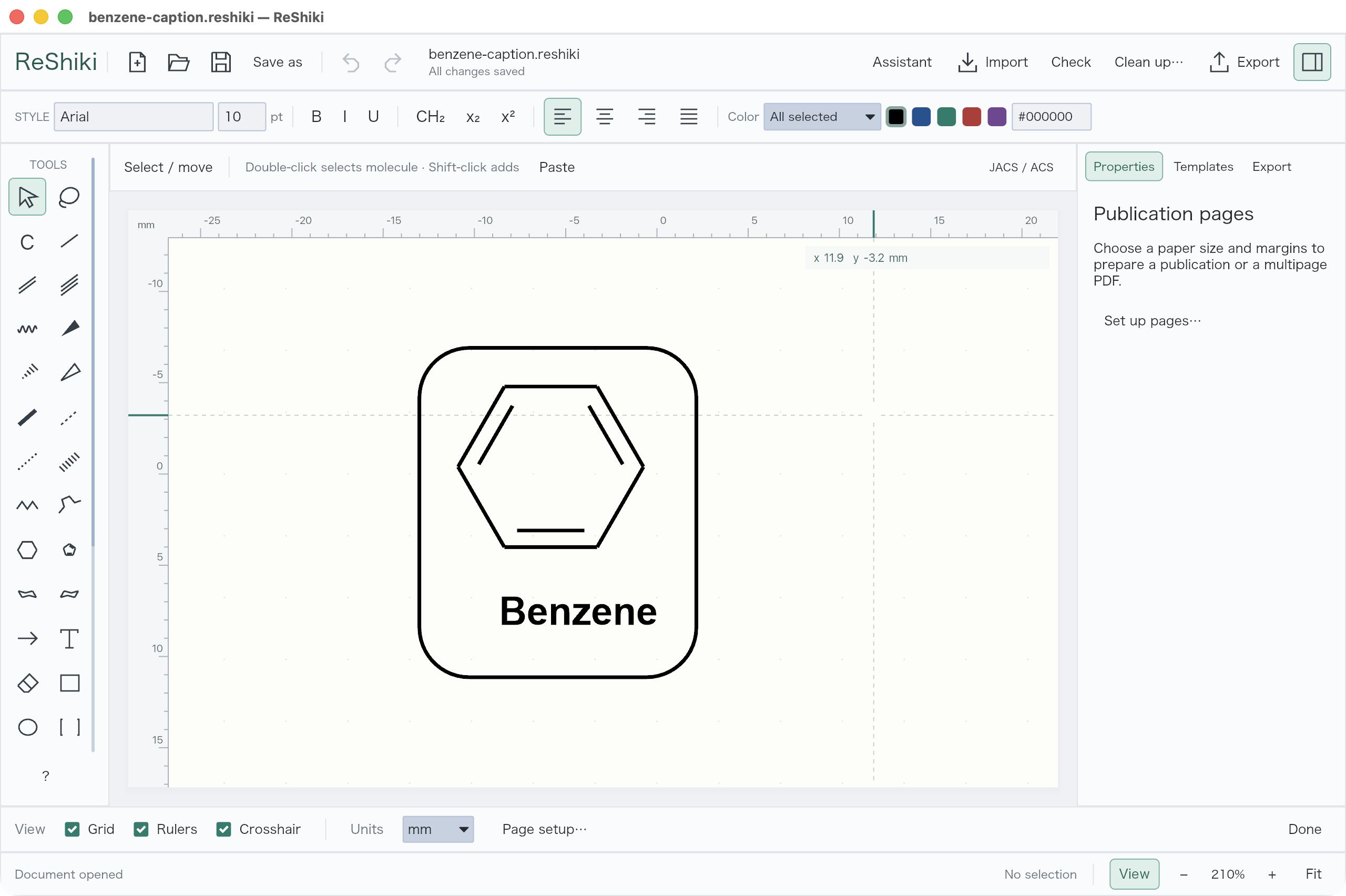
Prepare a figure
Set the drawing style
Section titled “Set the drawing style”New documents use JACS / ACS. Click the style badge to change fonts, bond lengths, and line widths. Review the preview, then Apply to document.
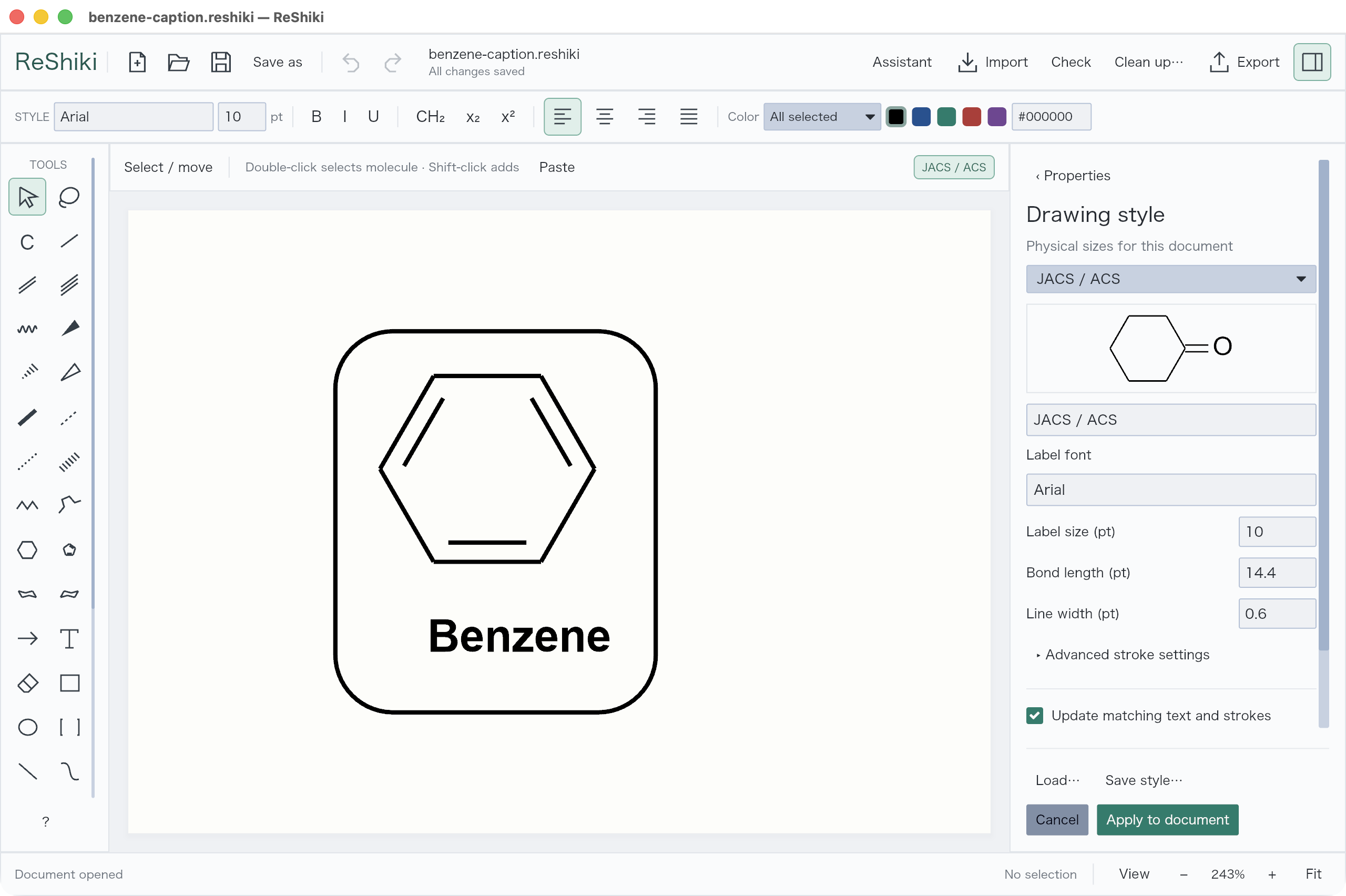
Save style… and Load… reuse settings. Scale layout with bond length also resizes existing geometry; leave it off to keep current positions.
Add artwork
Section titled “Add artwork”| Add | Where |
|---|---|
| Rectangle, ellipse, brackets, line, curve | Tools palette; choose variants above the canvas |
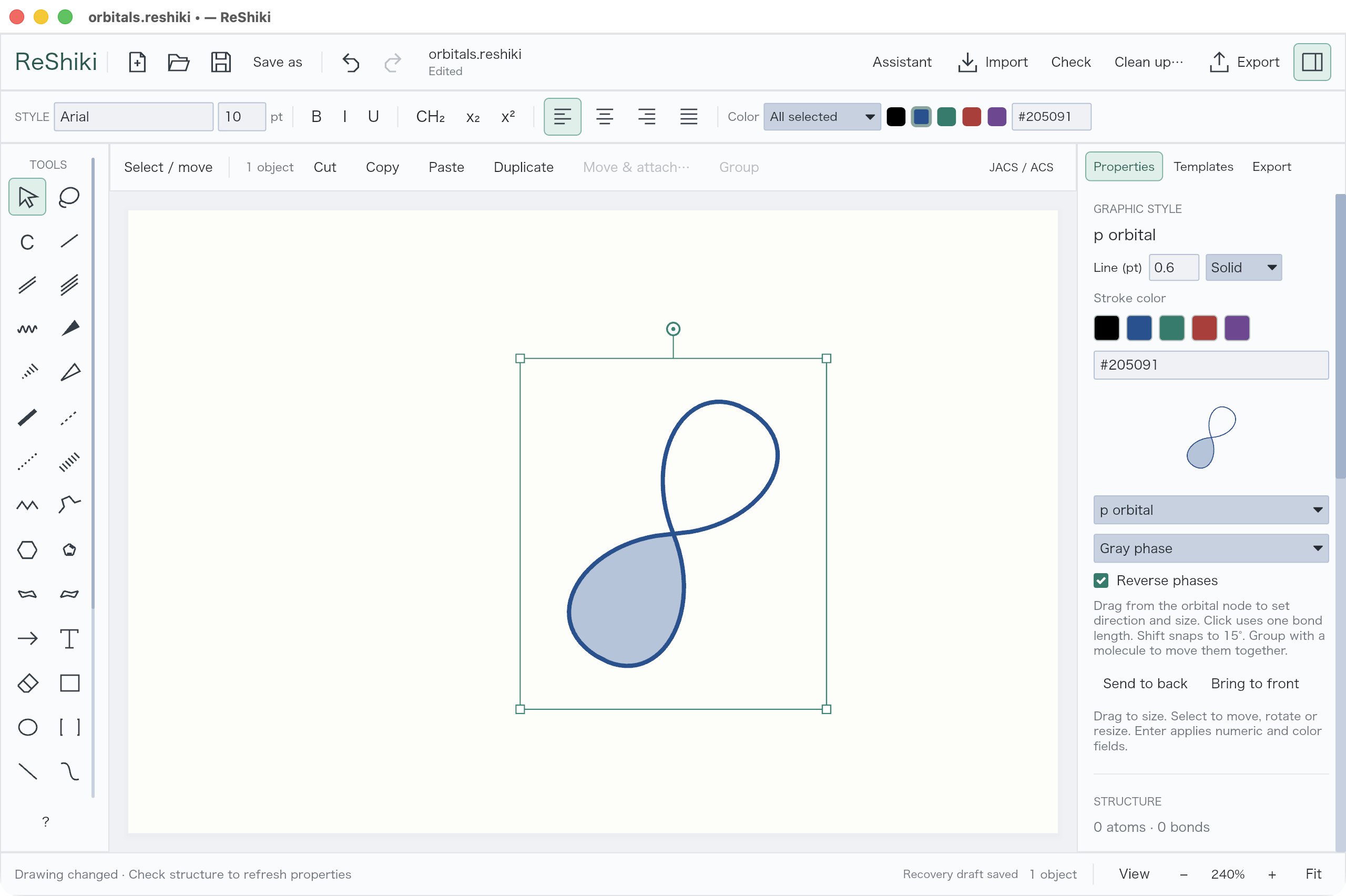
| Chemical symbol or orbital | Tools palette, then the contextual selector |
| A picture | Import → Picture… |
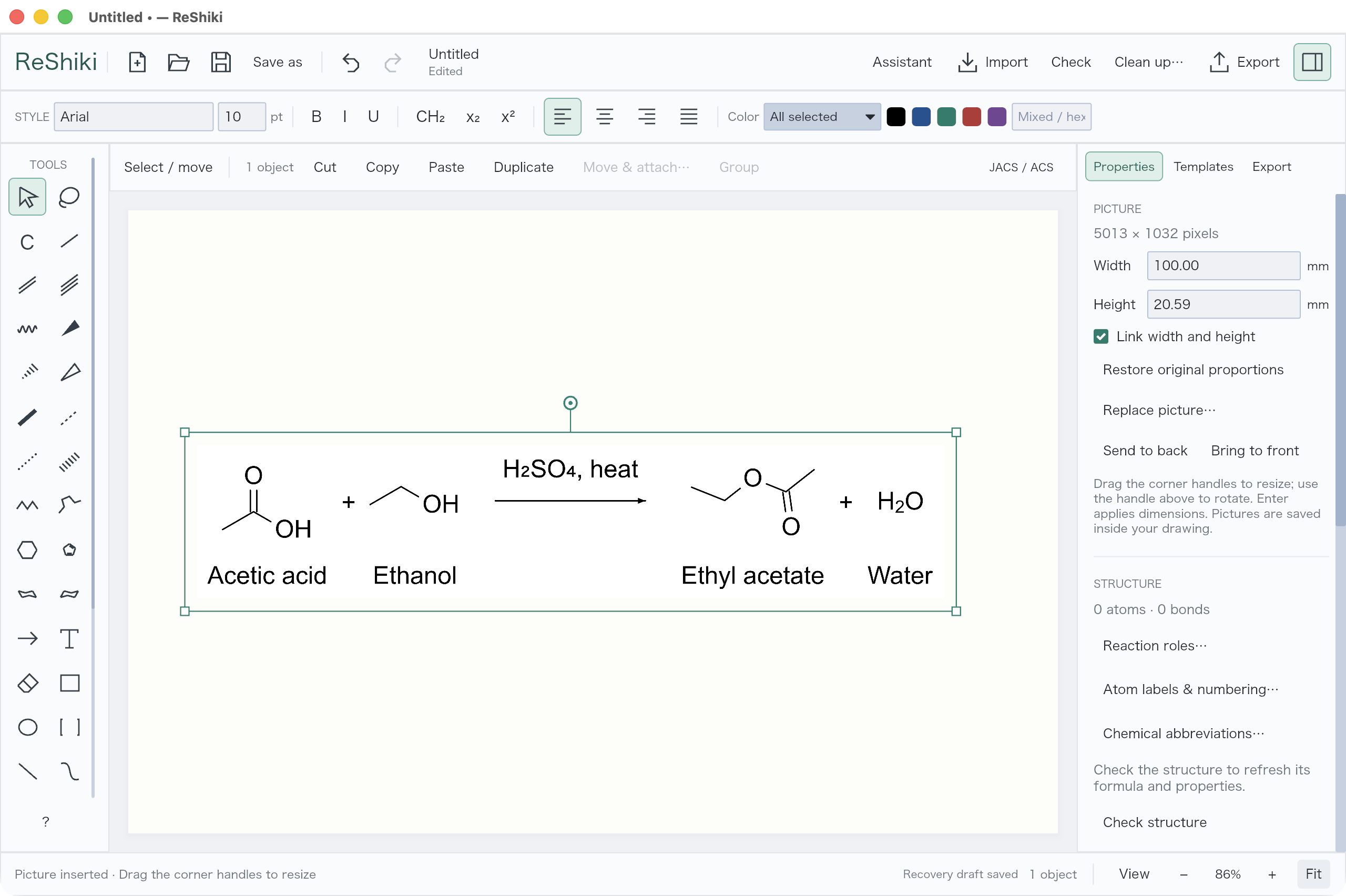
Select artwork to change its style in Properties. Pictures can be resized, rotated, replaced, or sent behind the drawing. Group a picture and caption to move them together.
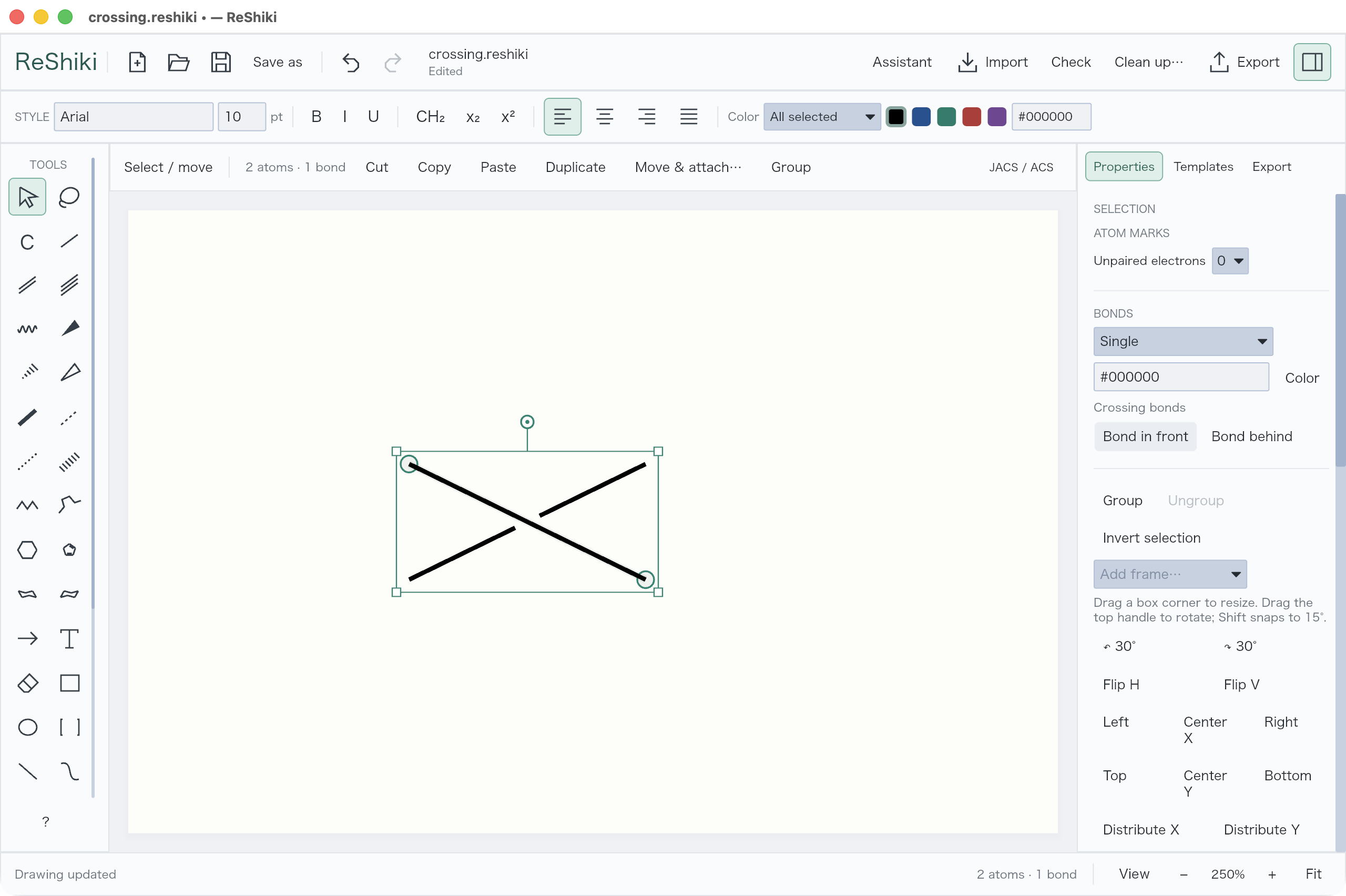
At a bond crossing, select the bond’s middle and choose Properties → Bond in front / Bond behind to control the gap.
Set the page
Section titled “Set the page”Open View → Page setup… or Export → Page setup…. Choose paper, orientation, margins, and Columns / Rows, then Apply page setup.
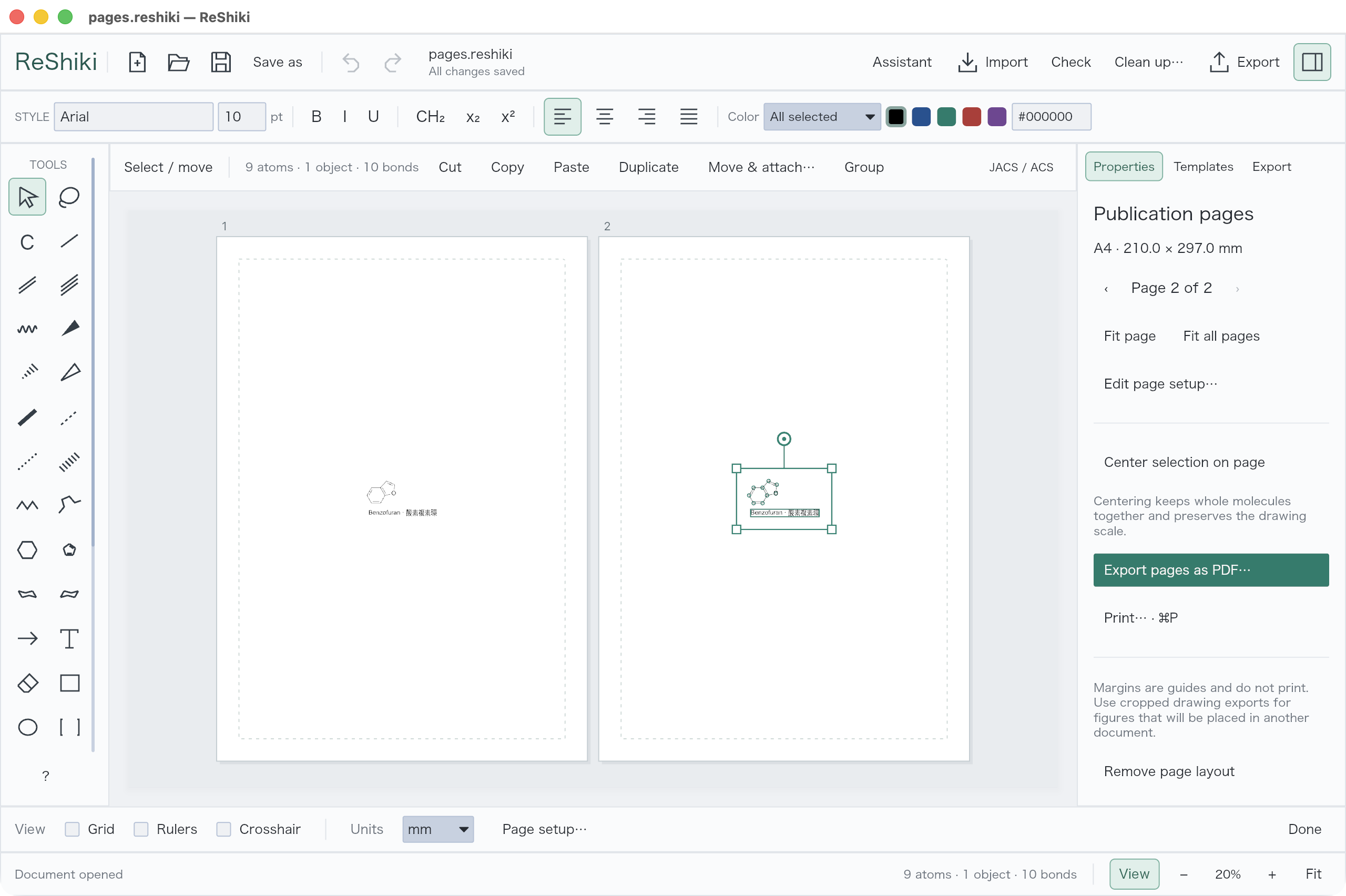
Use Fit page to work on one page or Fit all pages to see the document. View also contains rulers, grid, and crosshair controls.