Label atoms and structures
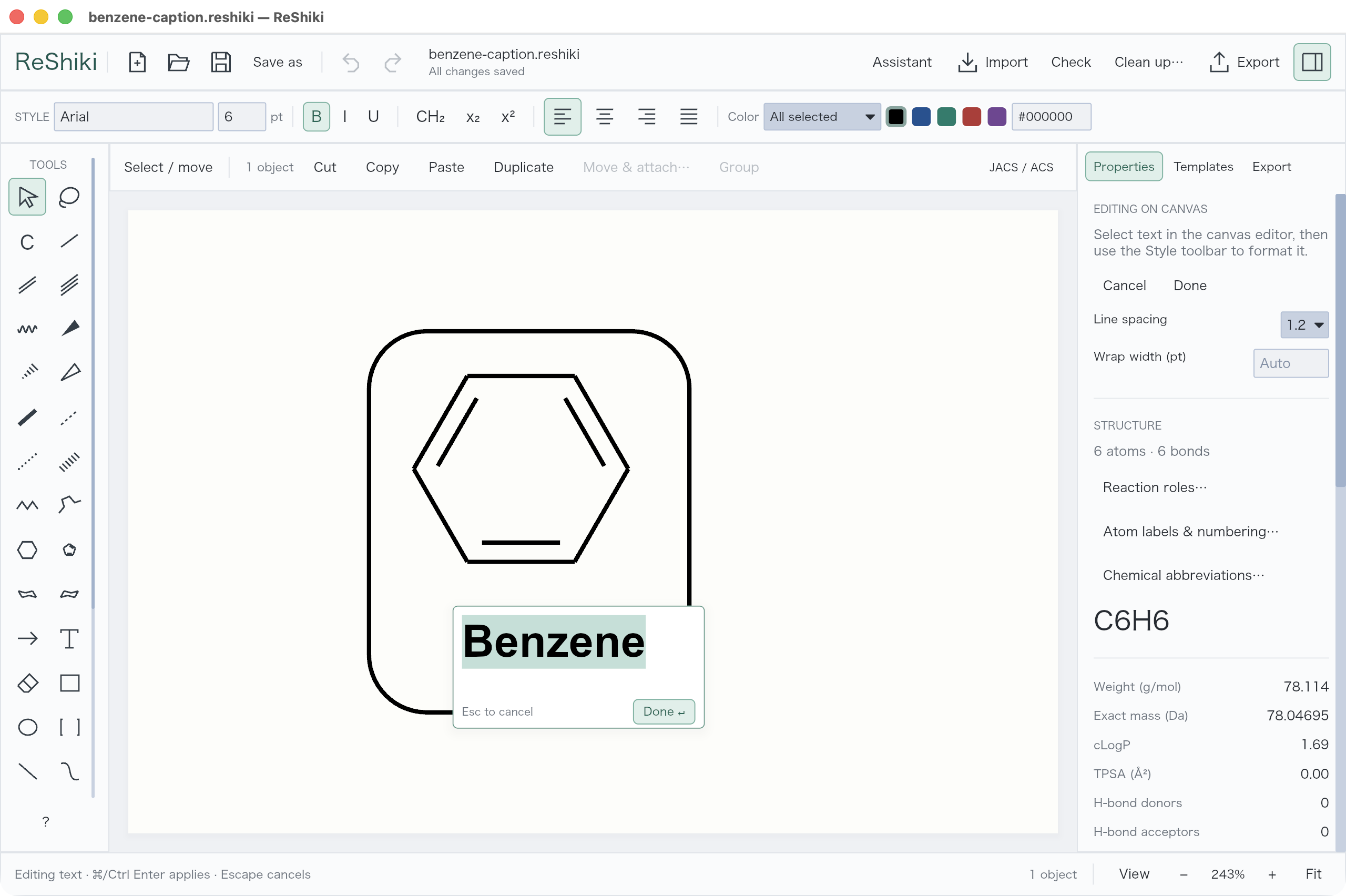
Write a caption
Section titled “Write a caption”Choose Text (T), click the canvas, and type. Double-click a caption to edit it. Select a text range to change its font, size, bold/italic, subscript, superscript, or color. Done applies; Escape cancels.
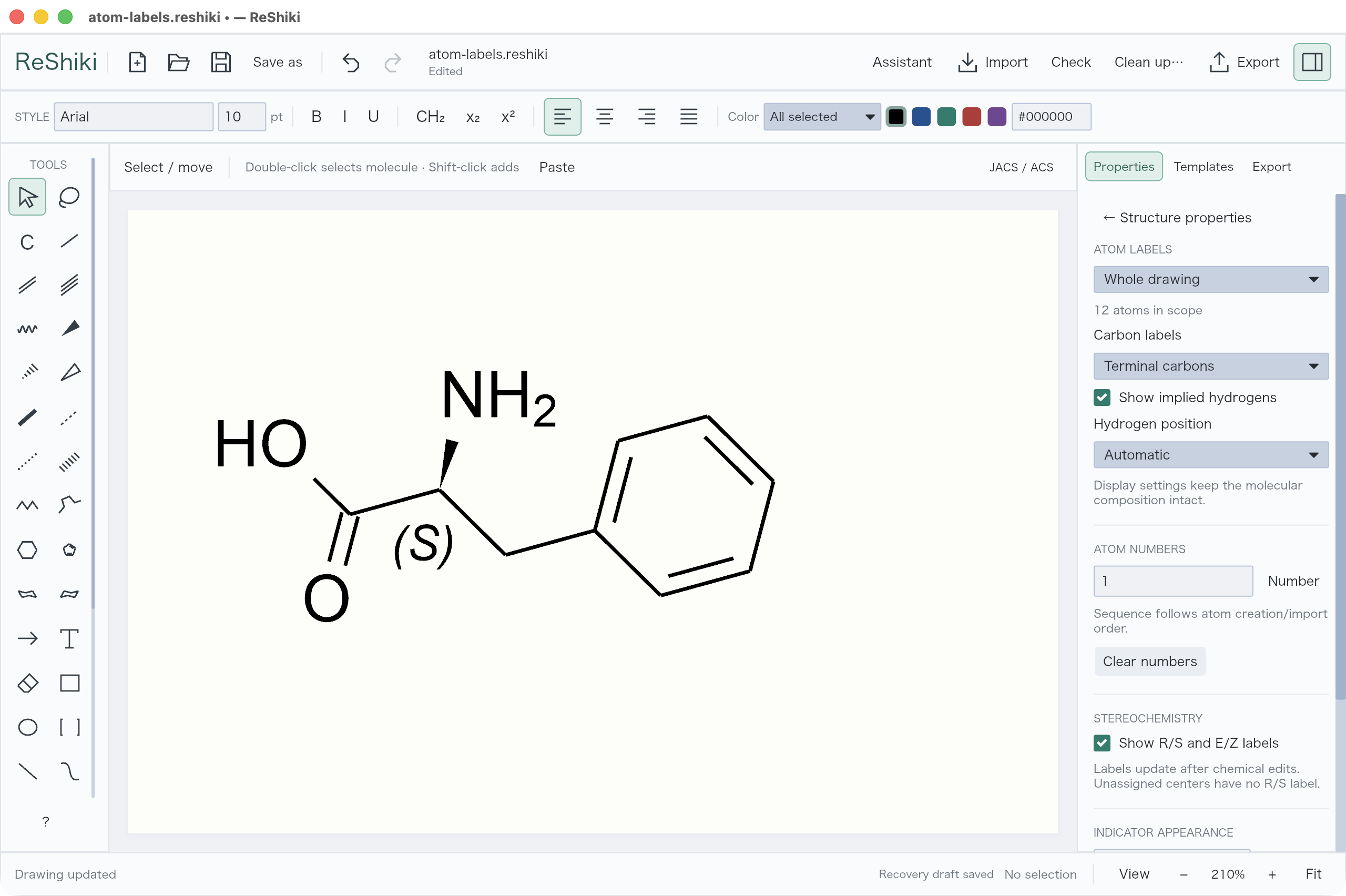
Number atoms
Section titled “Number atoms”For atom numbers, hydrogen placement, and stereochemistry labels, use Properties → Atom labels & numbering…. Select an atom to change charge, isotope, or unpaired electrons.
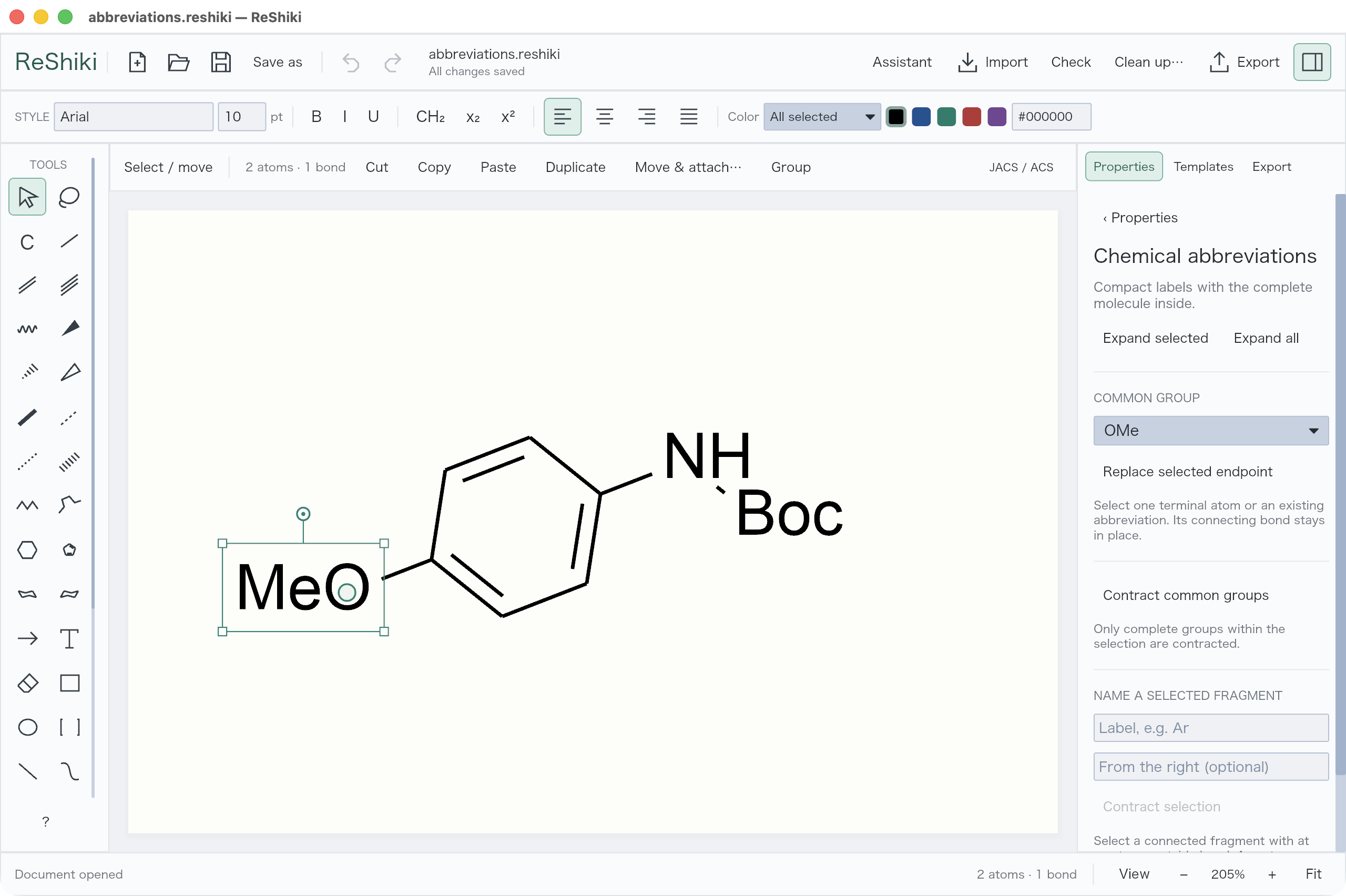
Shorten a group
Section titled “Shorten a group”Use Properties → Chemical abbreviations… to replace a terminal group with a preset such as OMe, or contract a selected fragment. Expand selected restores its atoms for editing.