Draw your first molecule
Draw ethanol
Section titled “Draw ethanol”- Choose New, then press B for a single bond.
- Drag a bond. Drag from its endpoint to add a second bond.
- Select the last atom and press O. Its label becomes OH.
- Click Check. Ethanol should read C2H6O.
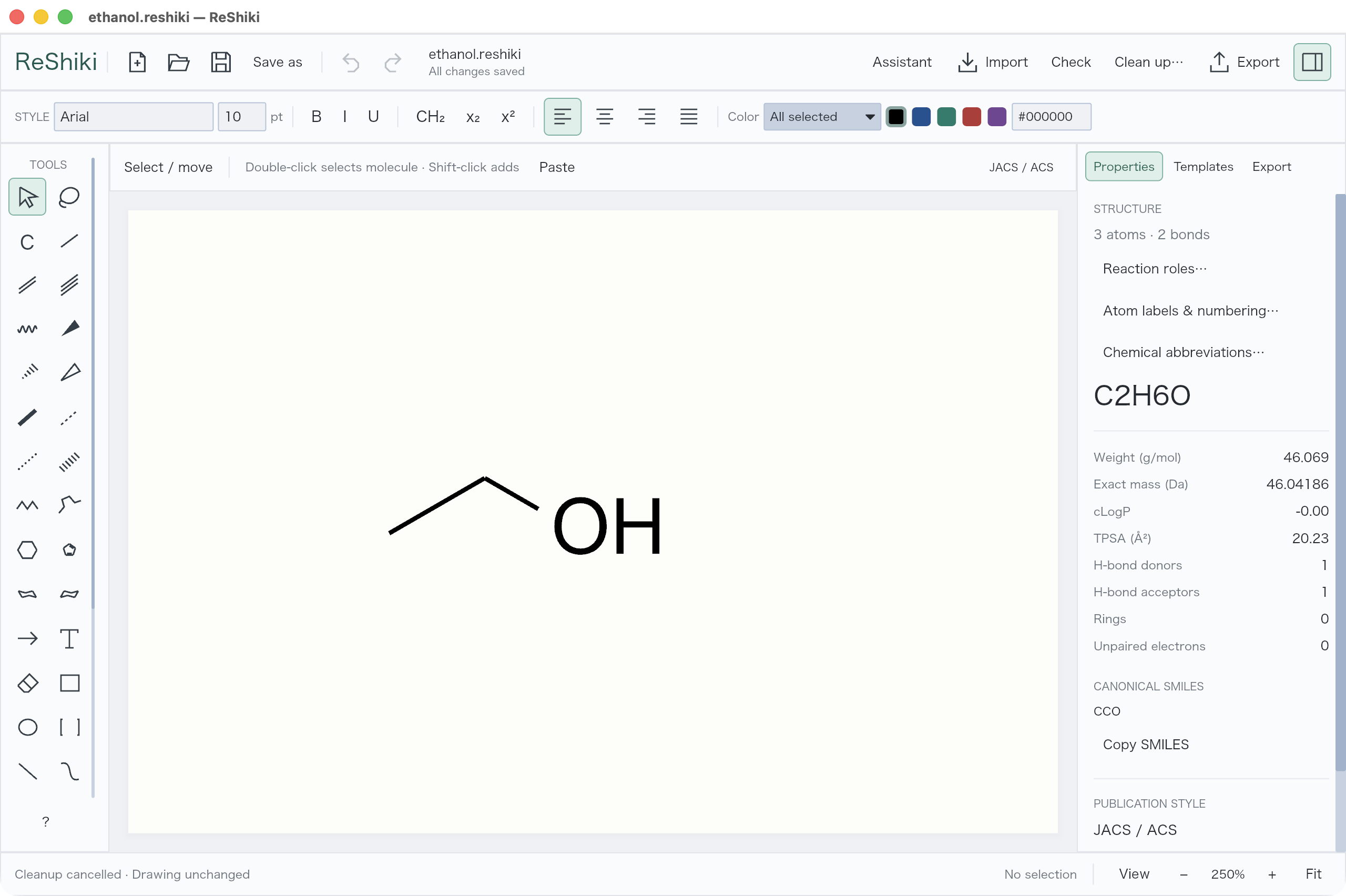
Press ⌘S on Mac or Ctrl+S elsewhere to save an editable .reshiki file. ⌘/Ctrl+Z undoes an edit.
Choose an element
Section titled “Choose an element”Click C in the toolbar, choose an element, then click an atom to replace it or empty space to place it.
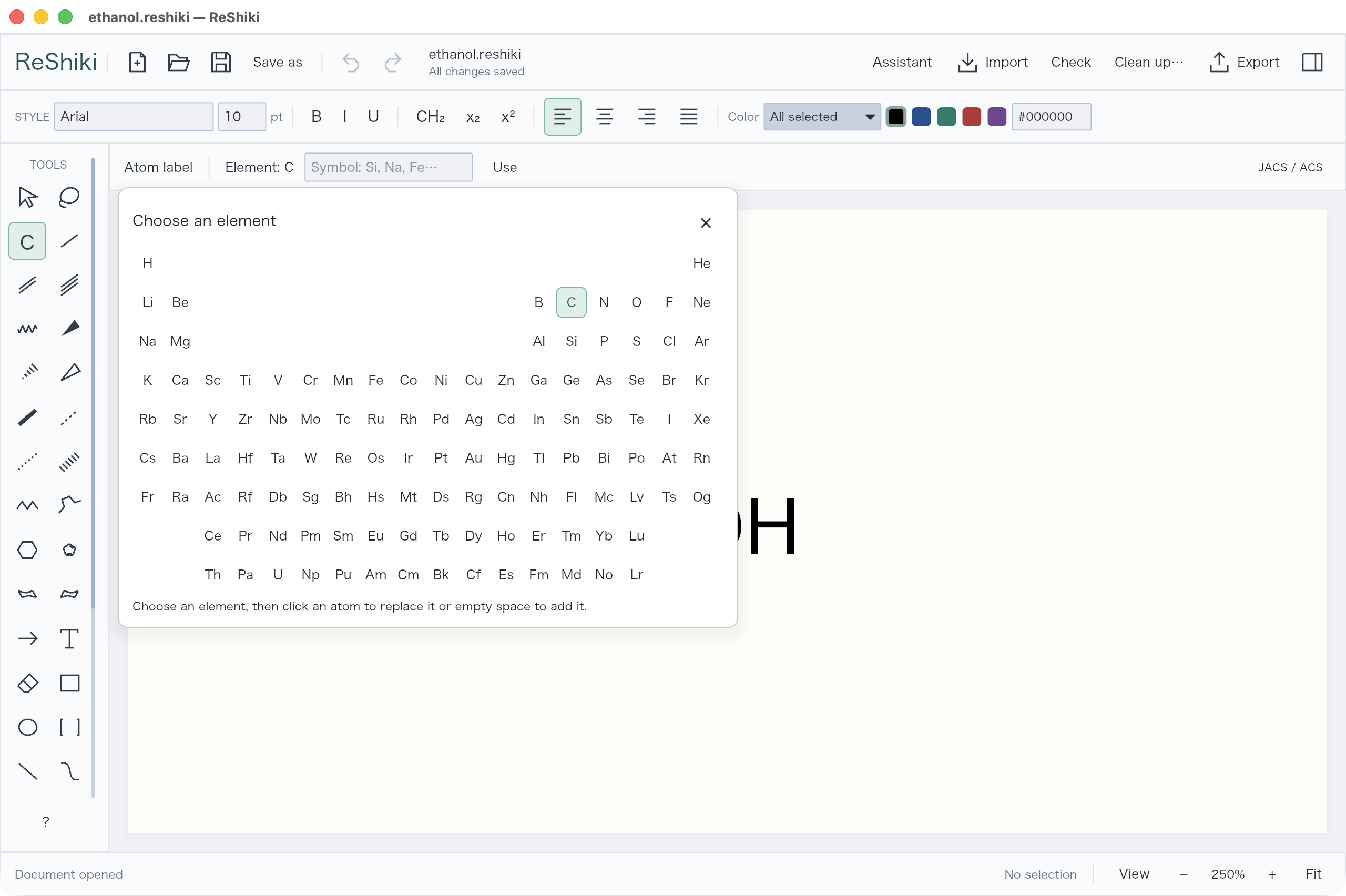
For common labels, hover an atom and press C, N, O, S, P, F, or H. ReShiki adds the appropriate hydrogen count.
Change a bond
Section titled “Change a bond”Click a bond tool to open its visual palette. Choose a style, then draw or click an existing bond.
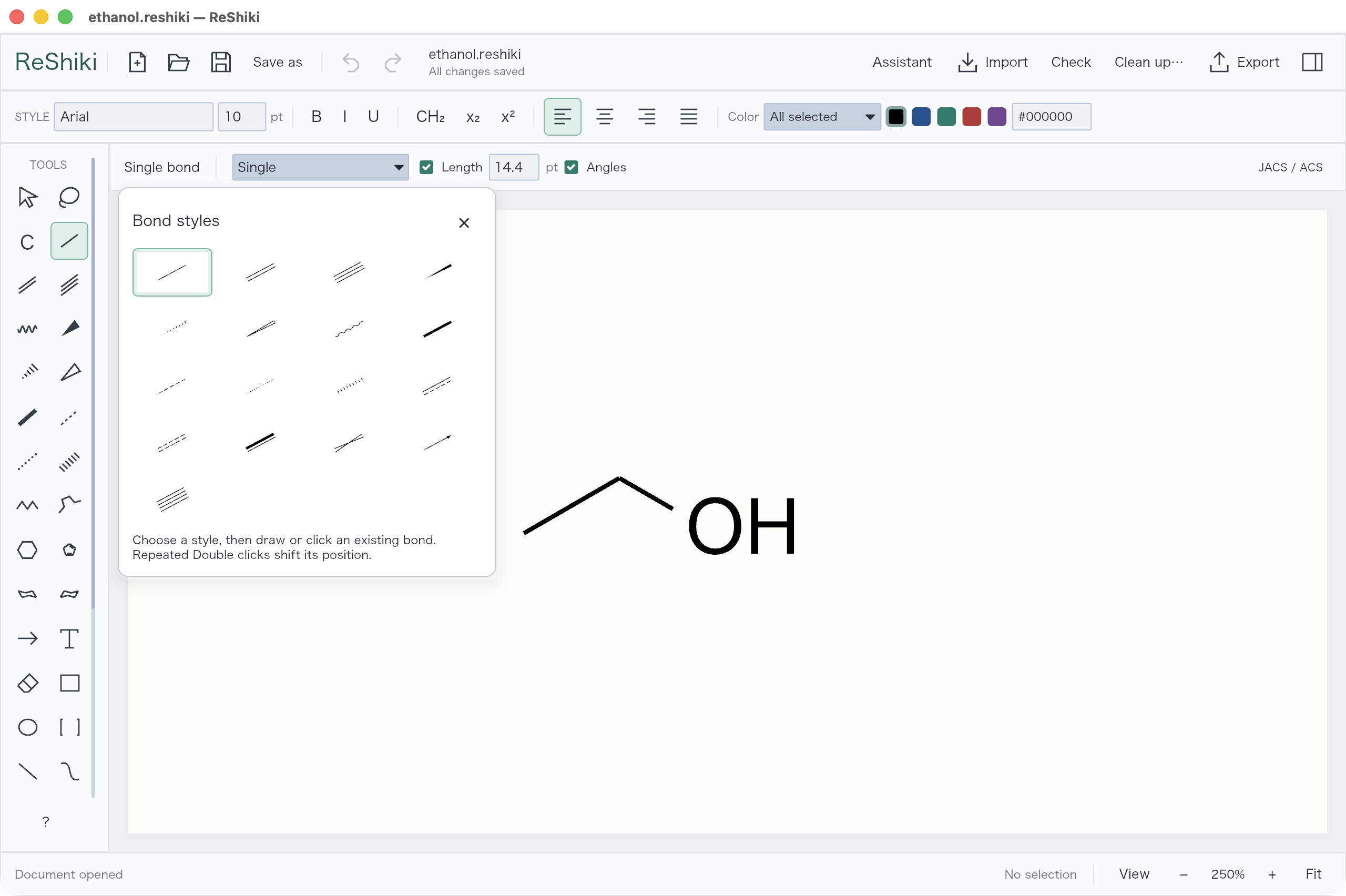
| With a bond selected or hovered | Press |
|---|---|
| Single / double / triple | S / D / T |
| Move a double bond’s second line | D again |
| Erase an object | E, then click |
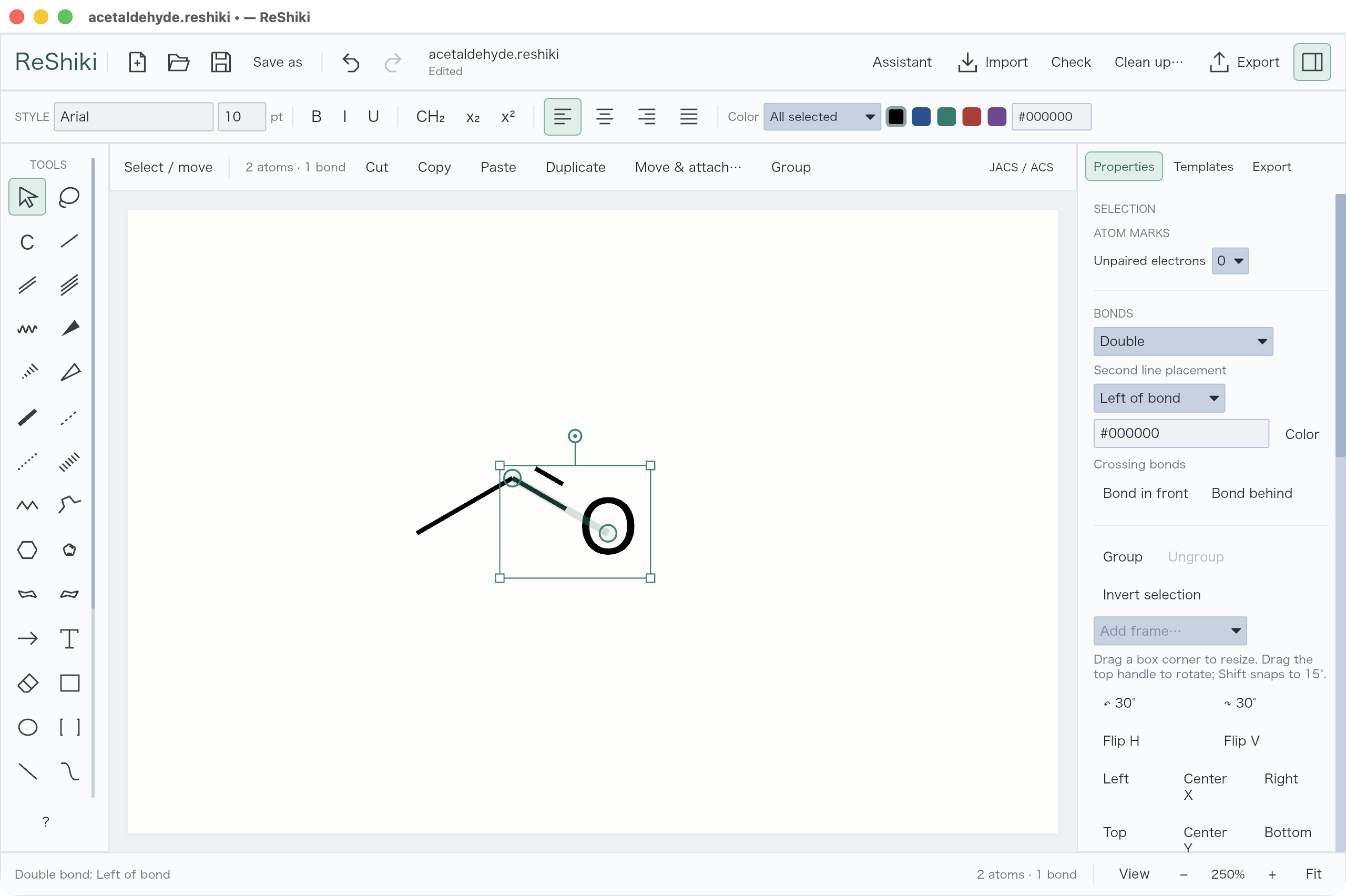
The controls above the canvas set Length and Angles. Hold Alt/Option while dragging to draw freely.
Add a ring or chain
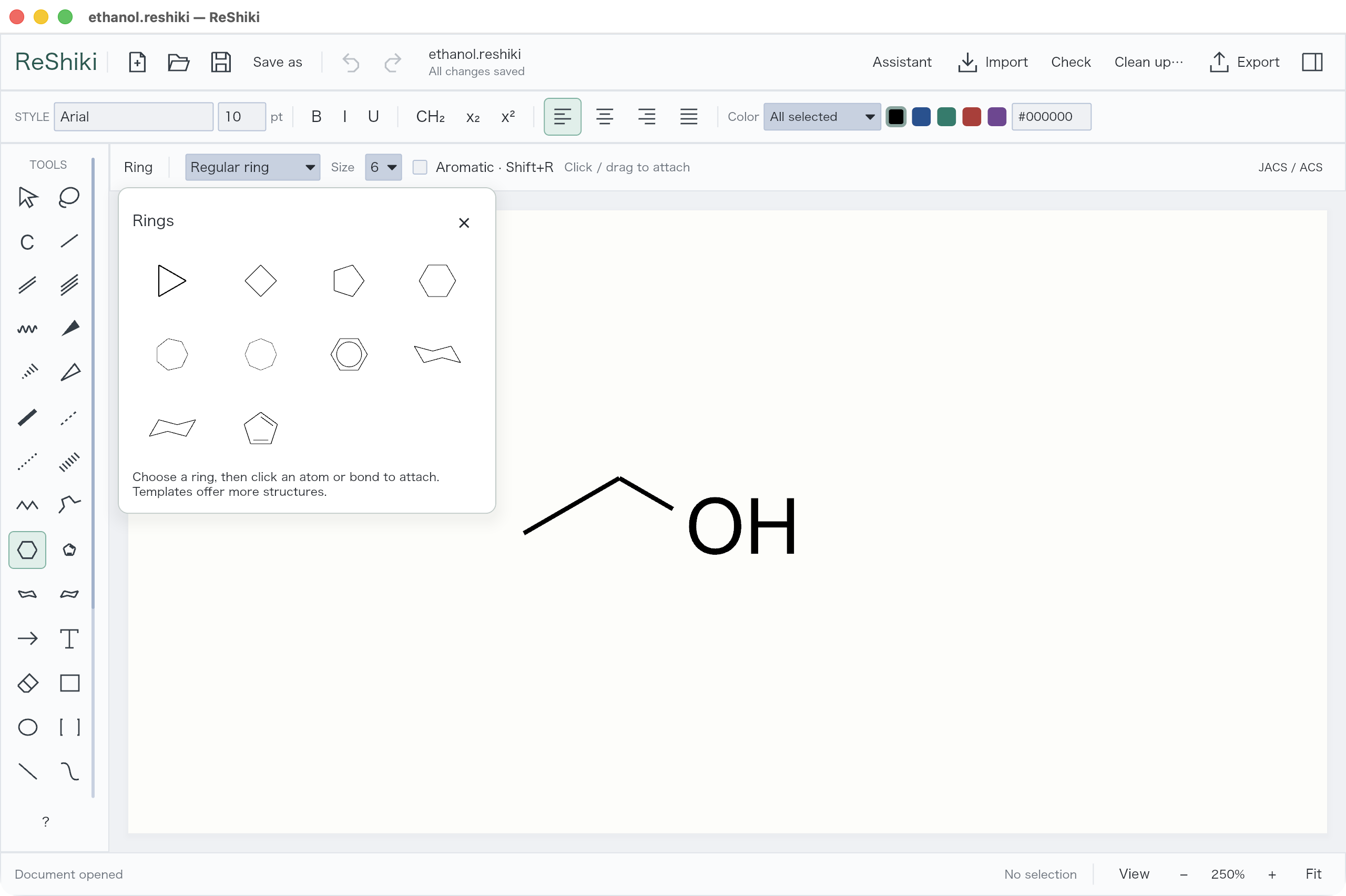
Section titled “Add a ring or chain”Click the ring tool, choose a shape, then click empty space or an existing atom/bond.
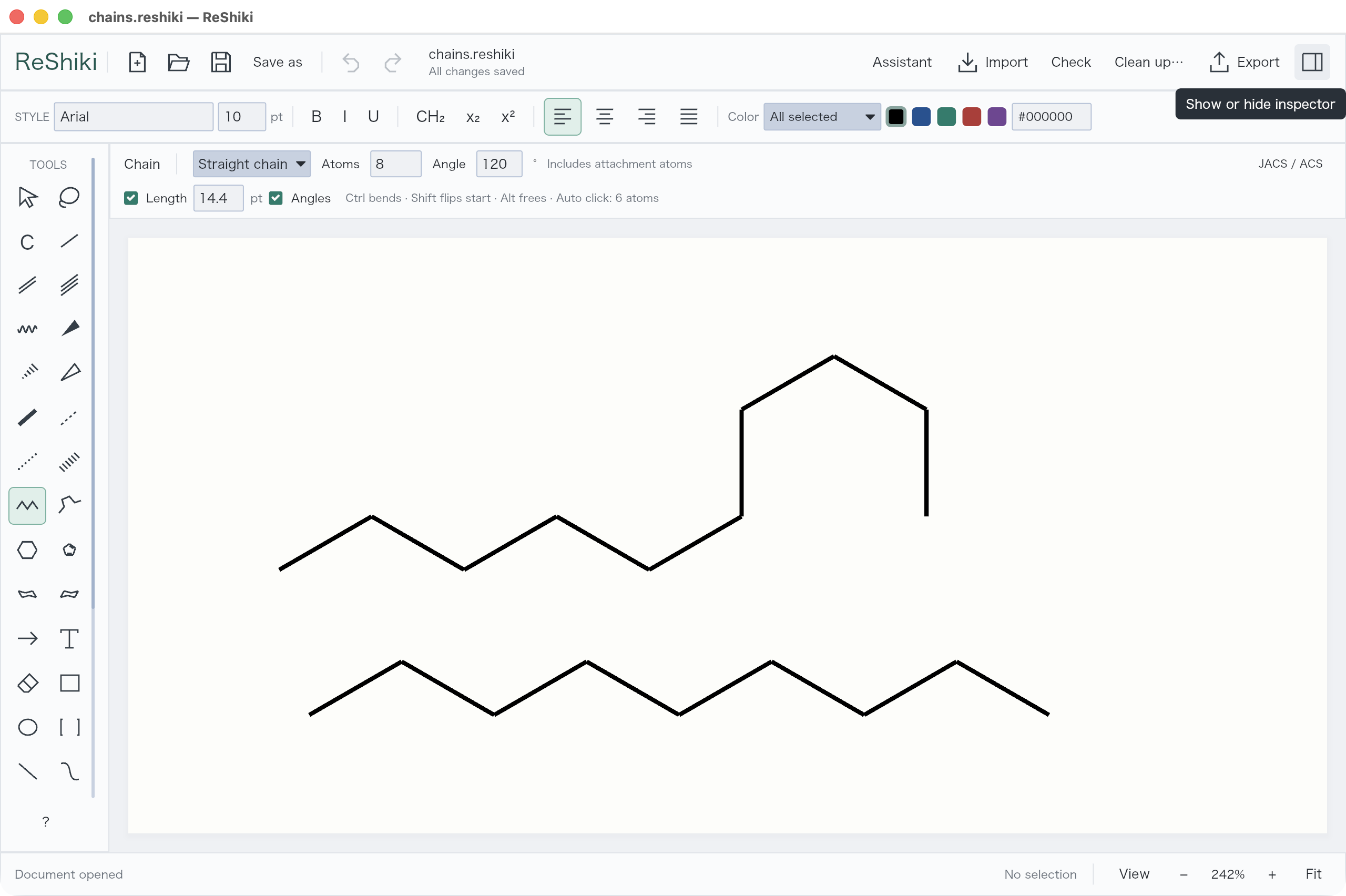
X draws a straight chain; Shift+X draws a snaking chain. Drag to set its length. Straight chain can use an exact atom count; Snaking chain has a Max atoms limit.
Select an aromatic ring and press A to switch between a circle and alternating bonds.