Windows
ReShiki’s Windows integration is written in Rust. Install the Windows package and uv; no .NET installation is needed. See installation.
Use Windows shortcuts
Section titled “Use Windows shortcuts”Use Ctrl+N/O/S for new, open and save. Ctrl+Z undoes an edit; Ctrl+Y or Ctrl+Shift+Z redoes it. Tooltips show Windows shortcuts.
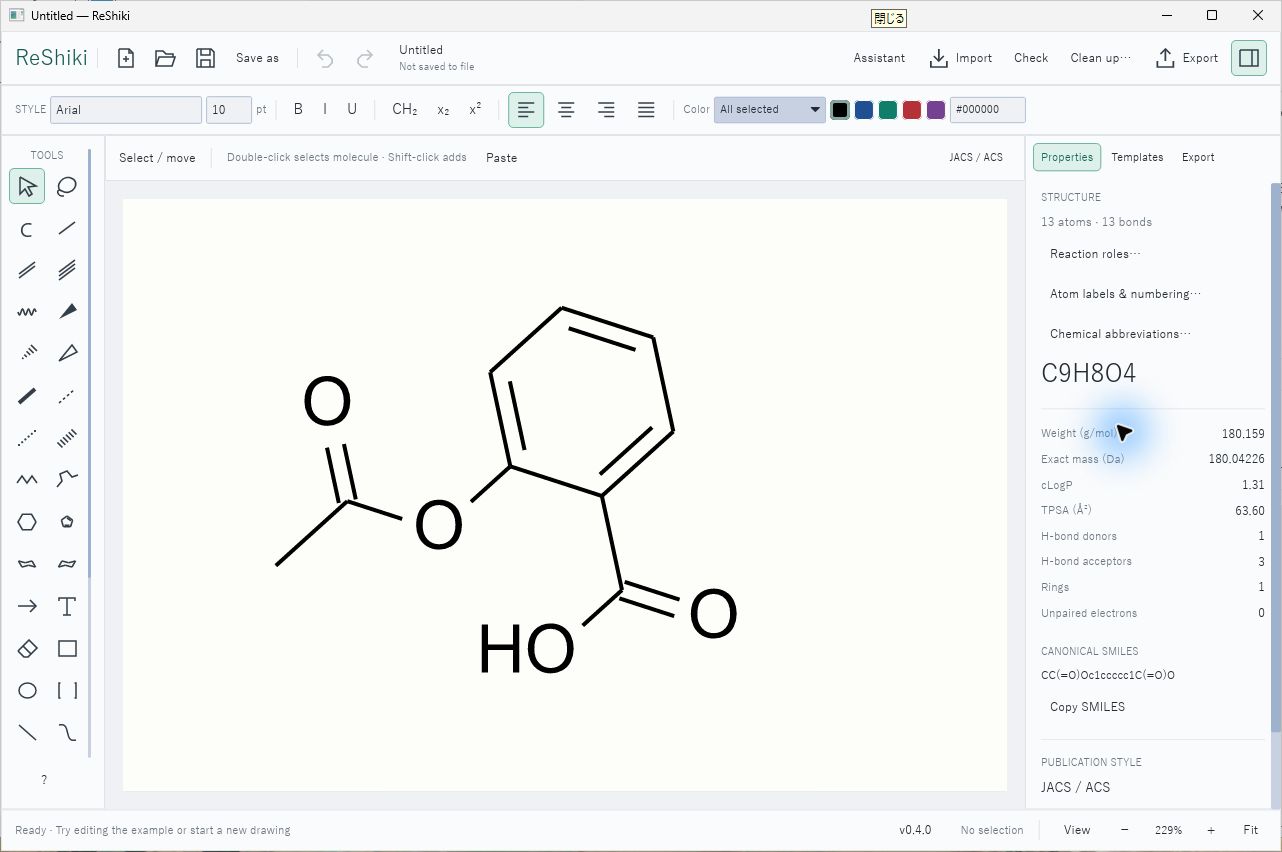
Copy editable drawings or pictures
Section titled “Copy editable drawings or pictures”Select objects and use Ctrl+C, then Ctrl+V to paste editable content within ReShiki.
Ctrl+Shift+C copies an image; Ctrl+Shift+V pastes a picture explicitly.
Copy Image includes a transparent PNG and a standard Windows bitmap fallback
with a white background. Keep a .reshiki original for the complete drawing.
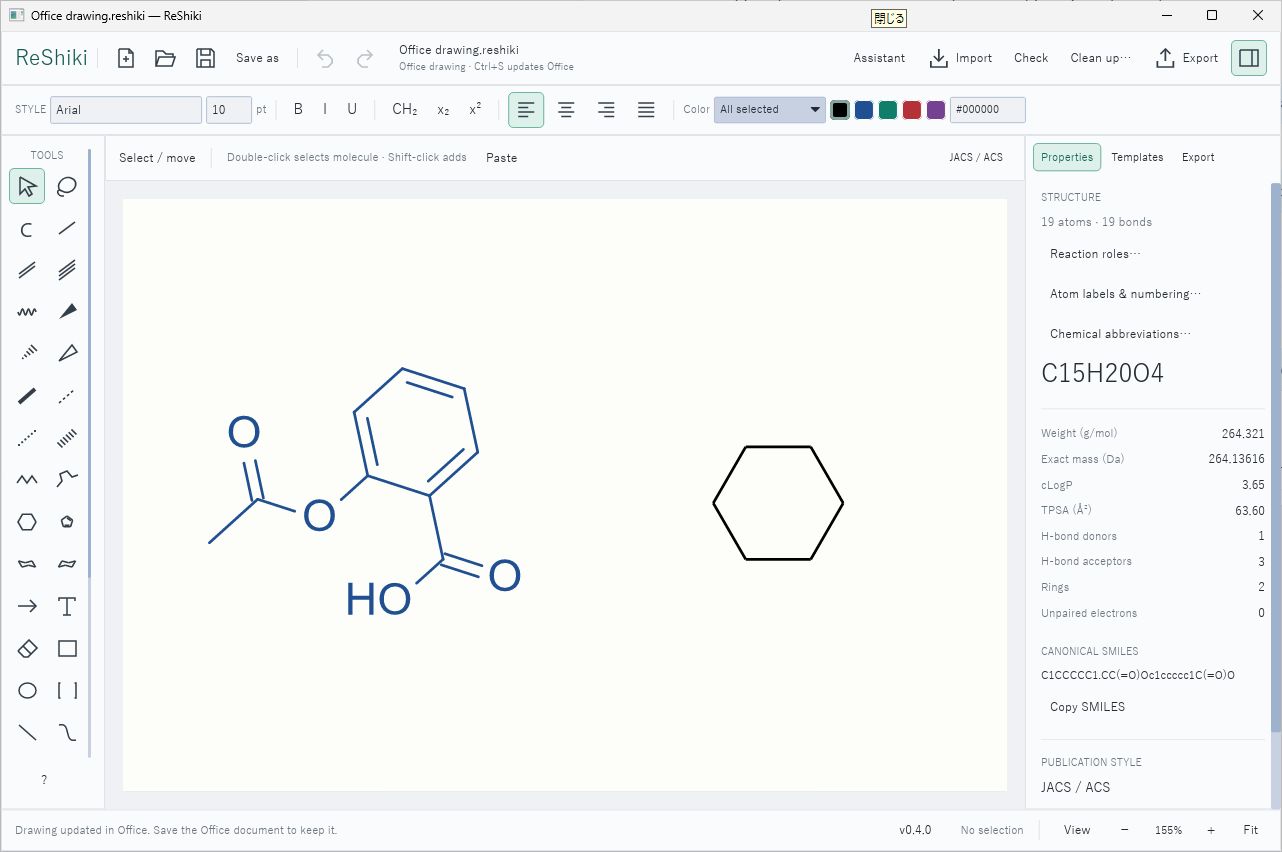
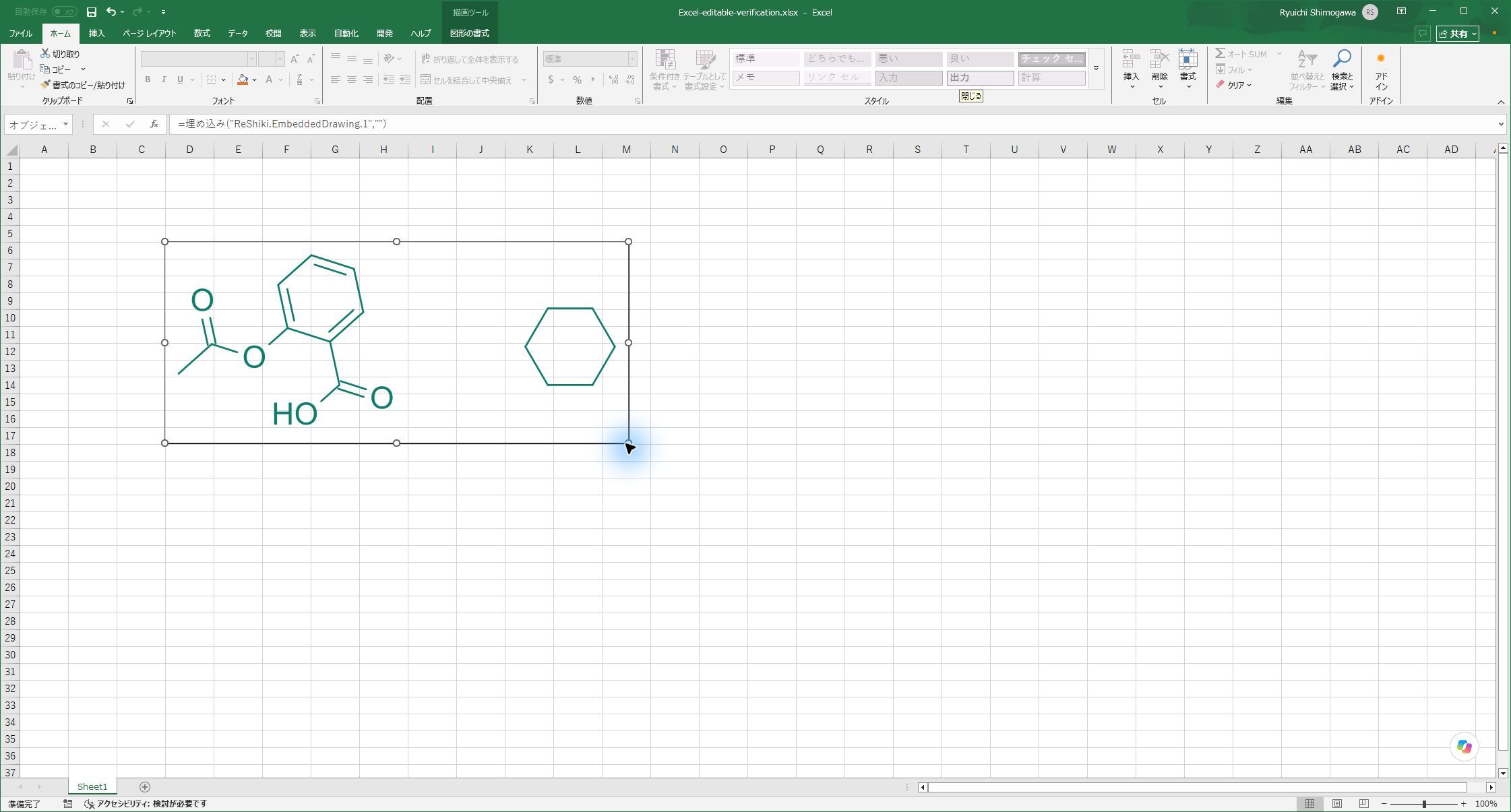
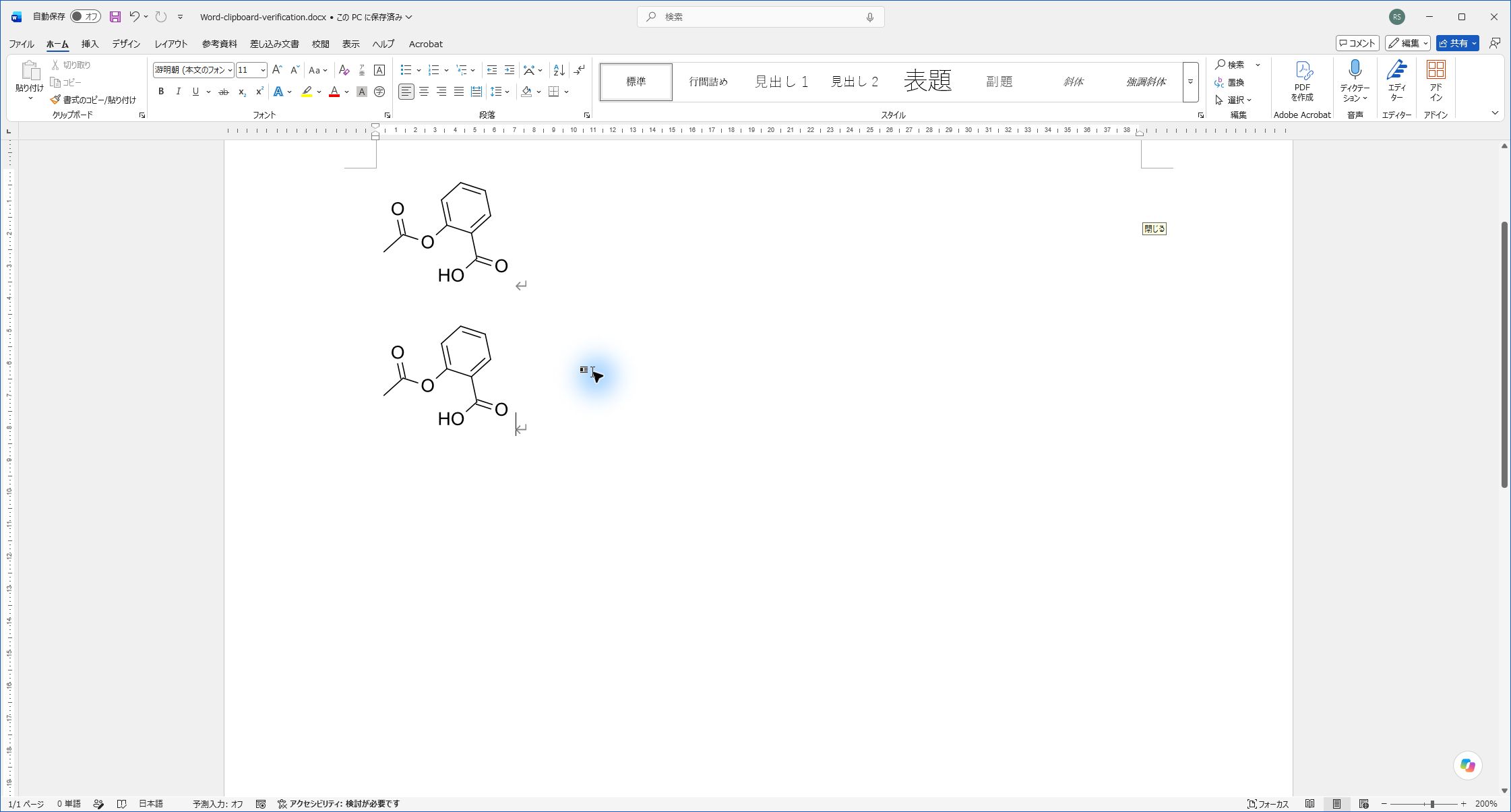
For desktop Word, PowerPoint and Excel, Copy supplies an editable ReShiki object. Double-click the pasted drawing to open ReShiki, edit it and press Ctrl+S. Keep Office open until ReShiki confirms the update, then save the Office document. If the destination chooses another format, use Paste Special → ReShiki drawing object. Install ReShiki on a receiving Windows computer to edit the object there. A portable copy registers its location when you copy.
The editable preview uses vector bonds and outlined text, with a transparent background. It stays smooth when enlarged over a colored slide or worksheet. To update an older embedded ReShiki preview, double-click it and press Ctrl+S, then save the Office document. PNG file export still uses a white background.
Excel adds a separate white object fill by default. Select the pasted object, press Ctrl+1, and set Colors and Lines → Fill → No fill to see the worksheet through it. Excel also controls the object’s outline.
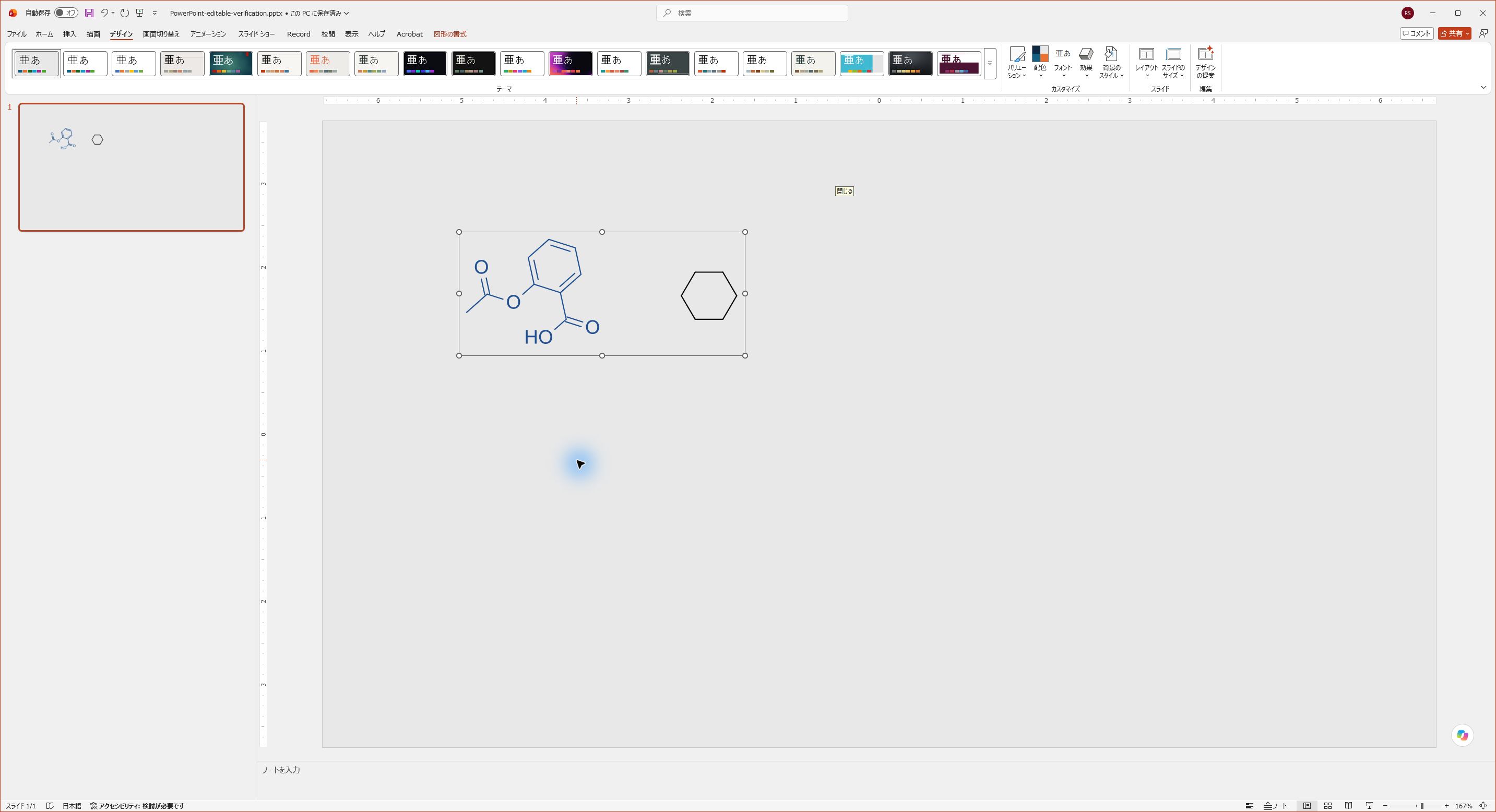
Copy Image makes a static figure. Its SVG uses vector outlines to preserve atom-label positions. Use this for applications that only accept pictures. Pictures pasted by earlier versions remain pictures.
The .reshiki original is editable on both Windows and Mac. Mac Office does not
support the Windows OLE double-click workflow. Keep the original to edit and
replace figures on a Mac; see clipboard platform boundaries.
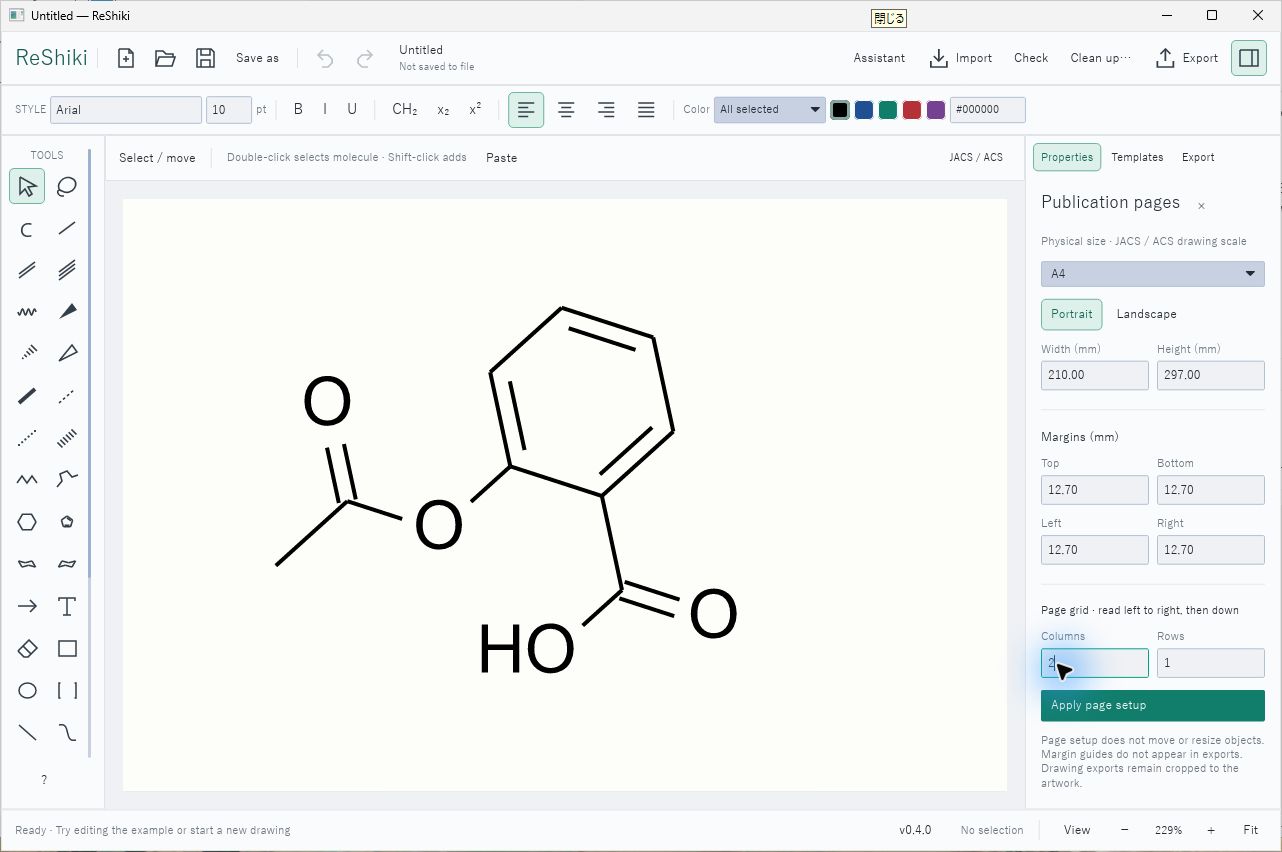
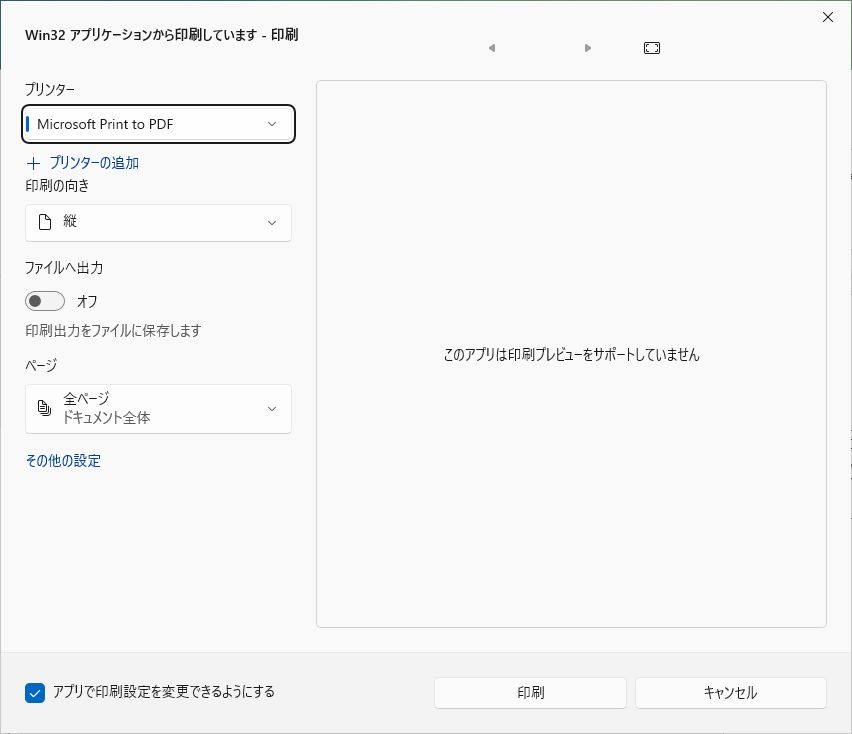
Preview the sheet in Page setup, then use Ctrl+P or Export → Print…. Choose the printer, pages and copies in the Windows dialog. Select Microsoft Print to PDF to save printer output locally. Print selection prints a snapshot of the selected objects. Cancel leaves the drawing unchanged.
Performance
Section titled “Performance”Use a release build for performance checks. Windows uses a direct 2D software renderer to avoid expensive GPU emulation on virtual machines and remote desktops. First chemistry setup may download dependencies. The idle timer fix is included in v0.4.0. See Windows development and verification for the tested scope and remaining hardware checks.