ReShiki 0.15.0 release validation
This record lists the checks run on the 0.15.0 release preparation and the checks that remain before the tag. Release notes · Release procedure.
Release preparation
Section titled “Release preparation”The release preparation pull request sets the version to 0.15.0 in
Cargo.toml ([package] and [workspace.package], which the Python package
follows) and Cargo.lock, moves the unreleased changes into the
release notes, adds the GitHub release highlights in
.github/release-notes/v0.15.0.md and updates the install guide’s file
compatibility section. The npm package takes its version from Cargo.toml
when the tag publishes it, so packages/editor/package.json is unchanged.
The source is main at 3c59cd4a, the merge of
PR #1173.
VERSION is 37 in crates/model/src/document.rs. Document::file_version
saves each drawing at the version of the newest feature it uses: 37 for an
atom with more than two radical electrons, 36 for an atom in a stereo group,
35 for an arrow with interior nodes or a drawing style whose crossing
clearance is not 1.1 pt, 34 for a two-sided residue group, 33 for
a generated 3D model, model atom labels or a plain XYZ model, 32 for ORTEP
settings and 31 for a custom reaction-label gap. Any other drawing is saved as
version 30. ReShiki 0.14.0 reads up to version 34, and 0.13.1 up to 30.
Before PR #1171, a custom
crossing clearance was saved as version 30, which 0.14.0 refused with an
unknown-field error. It now saves as version 35, so 0.13.1 and 0.14.0 ask for
an update. .reshiki-style files have no document version: 0.14.0’s
DrawingStyle refuses unknown fields, so 0.14.0 cannot load a style file with
a custom crossing clearance; see Compatibility.
Automated checks
Section titled “Automated checks”These ran locally on the release preparation branch after merging 3c59cd4a, on macOS arm64, with
RESHIKI_INCHI_HELPER and RESHIKI_NAMING_HELPER set to the debug build,
RESHIKI_REQUIRE_INCHI_HELPER=1 and RESHIKI_DATA_DIR set to an empty
temporary folder:
| Check | Command | Result |
|---|---|---|
| Build | cargo build --locked --bin reshiki |
Passed |
| Version | reshiki --cli --version from the debug build |
reshiki 0.15.0 |
| Tag check | scripts/build_release.py --tag v0.15.0 --check-tag-only |
Passed; v0.14.0 is refused |
| Application library tests | cargo test --locked -p reshiki --lib |
388 passed, 10 ignored |
| Rust format | cargo fmt --all --check |
Passed |
| Colour reference | cargo run --locked --example theme_colors, then cargo test --locked --test theme_reference |
Regenerated data matches main except reshiki_version; 1 passed |
| Windows version resource | cargo test --locked --test windows_version_metadata |
4 passed |
| Agent API version | cargo test --locked --test mcp_stdio --test mcp_tools --test headless_parity |
26 passed |
| Release Python modules | python -m unittest tests.test_release tests.test_prepare_nightly tests.test_release_downloads |
28 passed |
| JavaScript format and lint | bun run format:check, bun run lint:js |
Passed |
| Documentation | bun run docs:check |
0 errors, 0 warnings, 0 hints |
| Website and links | bun run docs:build |
15,129 local links/assets, llms.txt, agent-api.txt and 1,360 colours verified |
The pull request’s Checks workflow runs the native, browser (wasm32), Python and documentation jobs again; its results are on the pull request.
Manual checks before the tag
Section titled “Manual checks before the tag”The maintainer runs these on a manual Release builds run of the merged
main commit, or on its packages, and records the results here:
- Release build: a manual Release builds run passes on all six platforms and does not publish; see Release build.
- Live reference suite: the complete live RDKit reference tests pass on macOS arm64, Linux x64 and Windows x64; see Live RDKit reference suite.
- Focus after closing reviews: in the release build, close Clean up, 3D preview, atom label, Name import preview, Structure import, reaction mapping proposal and assistant review with Enter and separately with Esc (Apply/Discard where those keys are unavailable). After each close, Delete or Cmd+Z acts on the drawing without a click. Passed for every panel except assistant review, which was not checked; see Focus after closing reviews.
- macOS app (Apple Silicon and Intel): the DMG opens, the app reports
0.15.0, marks a stereocentre as
and1and exports it as MOL V3000 and CXSMILES, adds a node to a curved arrow, copies a drawing as a picture and pastes it back as an editable drawing, and saves and reopens the drawing. - Windows x64: setup installs over 0.14.0, the app starts, names a molecule, pastes a Copy into a web app as a picture and edits an embedded drawing in PowerPoint without the frame growing. Windows ARM64 is covered by the CI package checks only. Downloads remain unsigned.
- Linux (Arch Linux x64 and Ubuntu arm64): the portable archive starts, opens a drawing, names a molecule, and Copy pastes SMILES into a plain-text box.
- Browser demo: a demo built with
scripts/build_wasm.shandscripts/package_web_demo.shloads in Chrome, Safari and Firefox, draws, shows outlined text in a copied SVG and converts a name with Import → Name. - npm package: the package built by the release workflow passes its
tests; after publication
@ameyanagi/[email protected]islatest. - PyPI: after publication
uv add reshikiinstalls 0.15.0 on each platform, and an SVG fromrenderdraws its text as outlines. - Compatibility: a plain drawing saved by 0.15.0 opens in 0.14.0; a drawing with a stereo group saved by 0.15.0 is refused by 0.14.0 with the request to update; a drawing saved by 0.14.0 opens in 0.15.0.
Release build
Section titled “Release build”Manual Release builds
run 43400458472
at 3c59cd4a: pending.
An earlier run at d400b928,
run 43372643607,
failed only on macOS x64: two reshiki-io native-import tests failed on Intel
macOS. PR #1173 fixed them.
Live RDKit reference suite
Section titled “Live RDKit reference suite”The complete live reference tests gate publication in release.yml.
Checks with live_reference=true
run 43400453350
at 3c59cd4a runs them on macOS arm64, Linux x64 and Windows x64: pending.
An earlier run at d400b928,
run 43372640285,
failed in the reference harness: RXN files with stereo groups, which now
import, and Windows CXSMILES stereo-group numbers above the 32-bit range.
PR #1172 fixed both. One
macOS shard also failed when its artifact upload hit a runner network error.
Focus after closing reviews
Section titled “Focus after closing reviews”Checked on 13 November 2026 on macOS arm64 with a release build
(cargo build --release --locked --bin reshiki) of main at d400b928. The
release fixes merged after it (#1171–#1173) do not touch focus handling. The binary’s
SHA-256 is 9b4a87c6ac88585947a69a0996c05e7013deb6c4498ebe5c10efad987ce7287c.
It ran in an app bundle whose RESHIKI_DATA_DIR pointed at an empty folder.
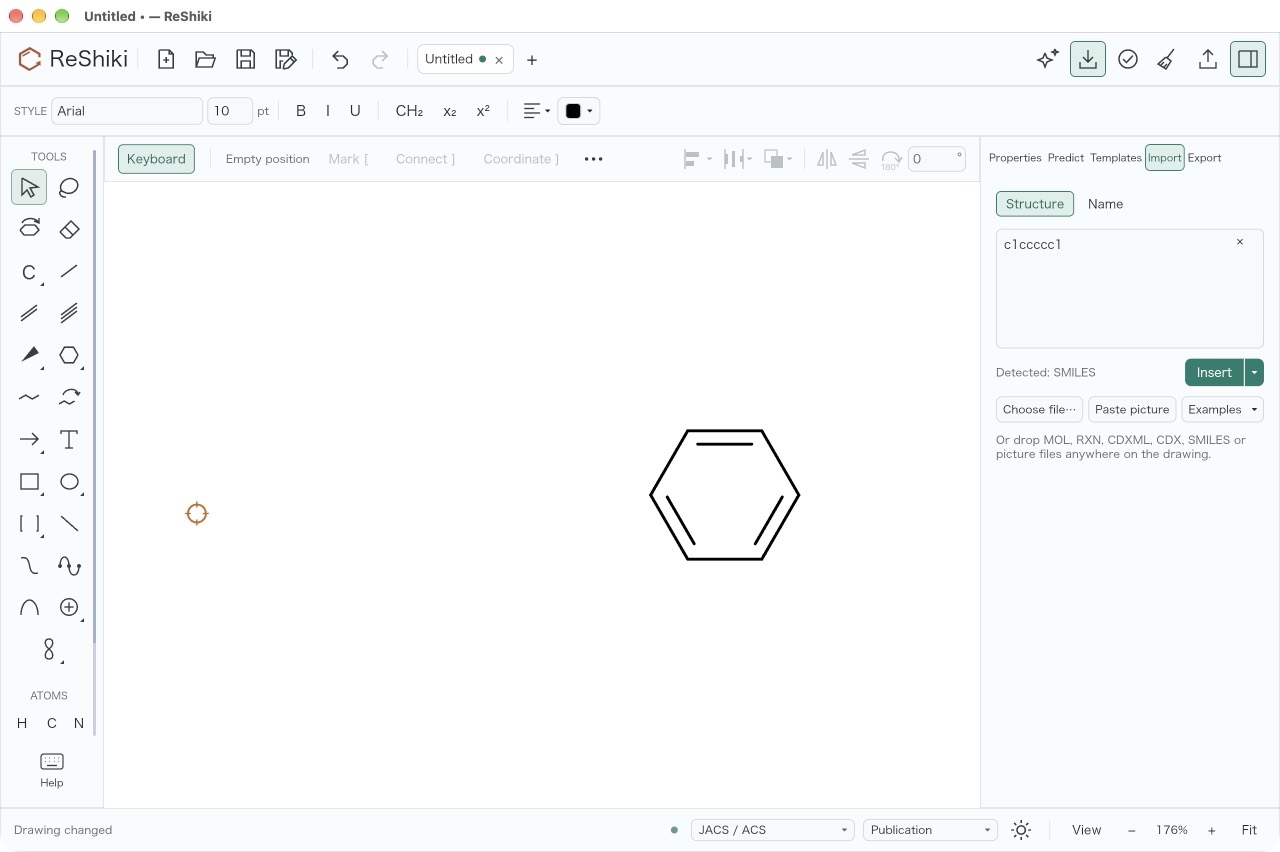
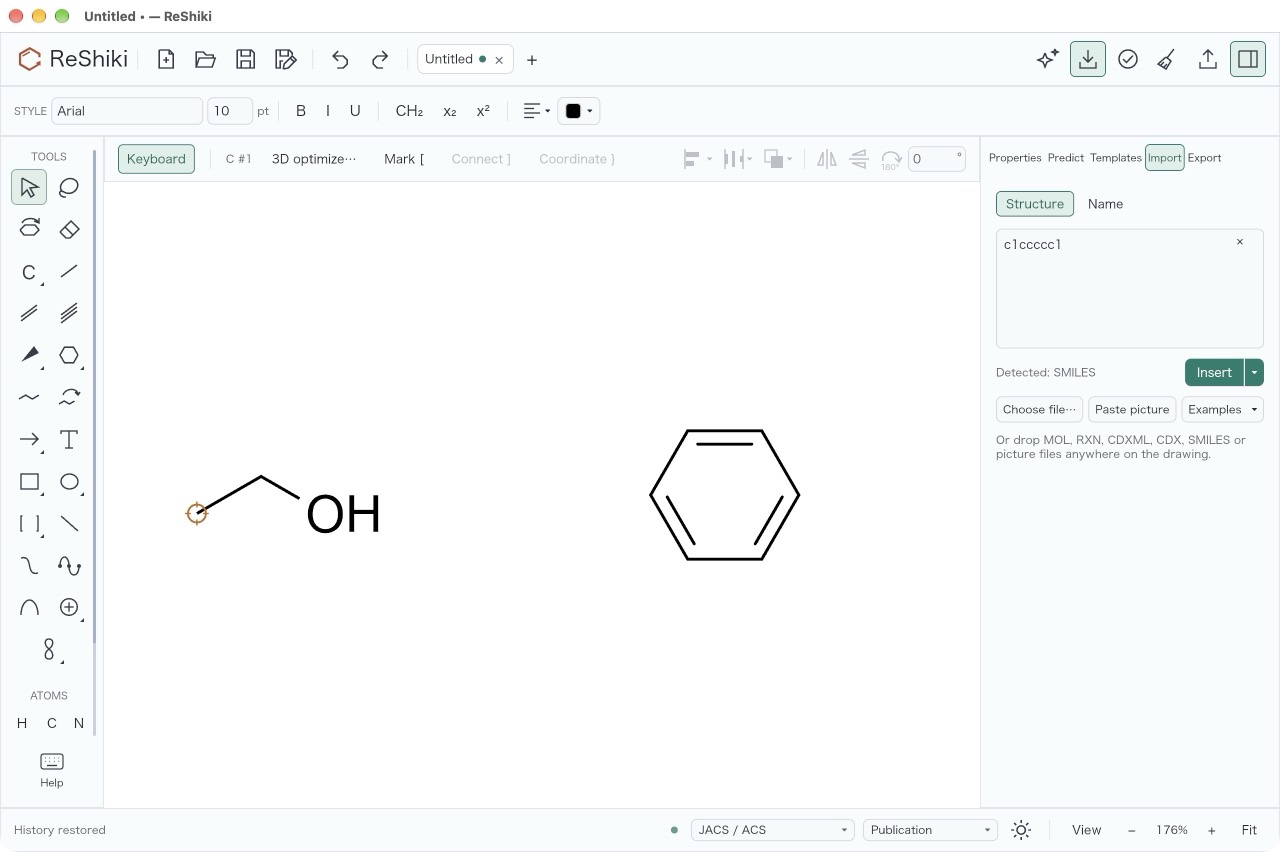
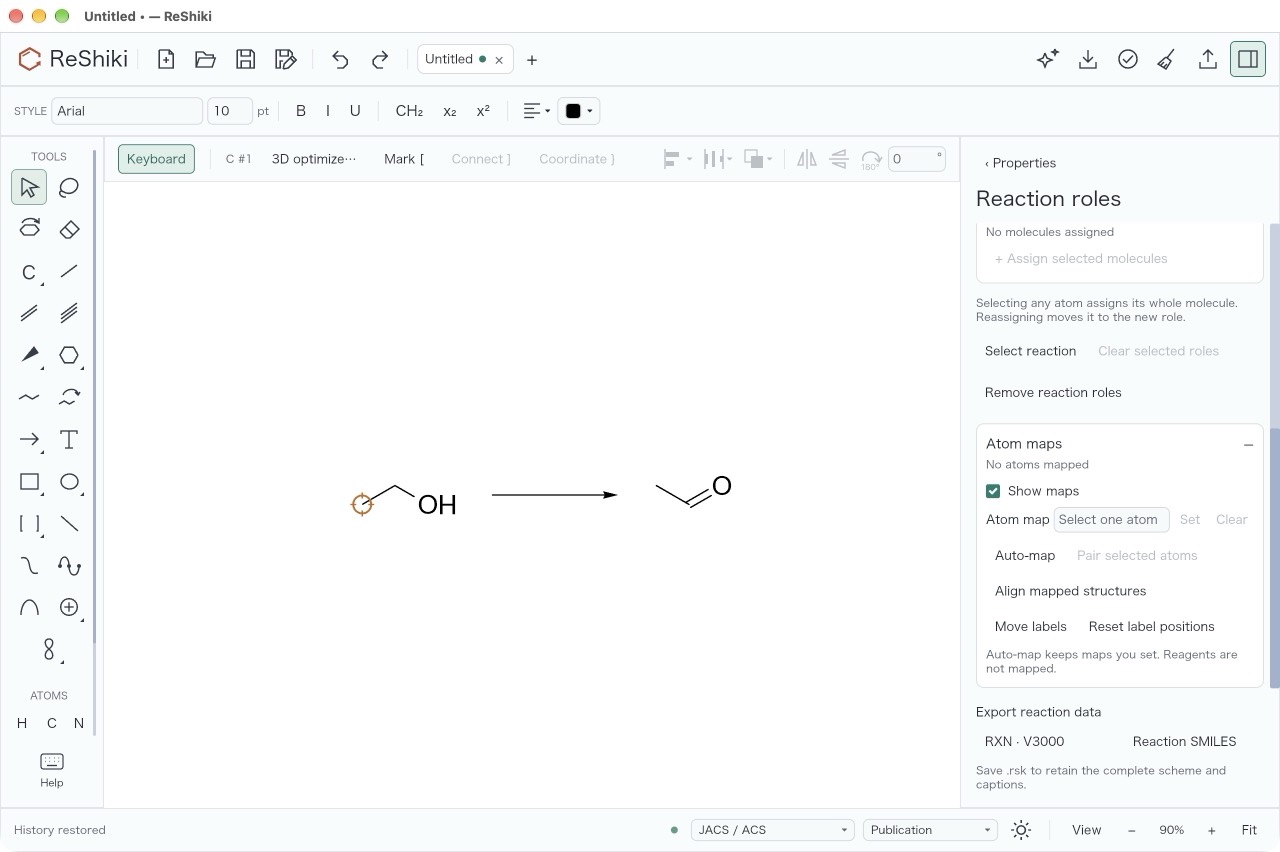
Each case started with part of the drawing selected. After the panel closed,
the next keys were Delete and then Cmd+Z, with no click in between. Each pair
of screenshots shows the drawing after Delete and after Cmd+Z.
| Panel | Closed with | Delete acted | Cmd+Z acted | Screenshots |
|---|---|---|---|---|
| Clean up preview | Enter | yes | yes | Delete · Cmd+Z |
| Clean up preview | Esc | yes | yes | Delete · Cmd+Z |
| 3D preview | Enter | yes | yes | Delete · Cmd+Z |
| 3D preview | Esc | yes | yes | Delete · Cmd+Z |
| Atom label editor | Enter | yes | yes | Delete · Cmd+Z |
| Atom label editor | Esc | yes | yes | Delete · Cmd+Z |
| Name import preview | Enter in the name field | yes | yes | Delete · Cmd+Z |
| Name import preview | Esc in the name field | yes | yes | Delete · Cmd+Z |
| Structure import | Insert (Enter adds a line) | yes | yes | Delete · Cmd+Z |
| Structure import | Esc in the structure field | yes | yes | Delete · Cmd+Z |
| Reaction mapping proposal | Enter on Apply maps | yes | yes | Delete · Cmd+Z |
| Reaction mapping proposal | Discard (no Esc shortcut) | yes | yes | Delete · Cmd+Z |
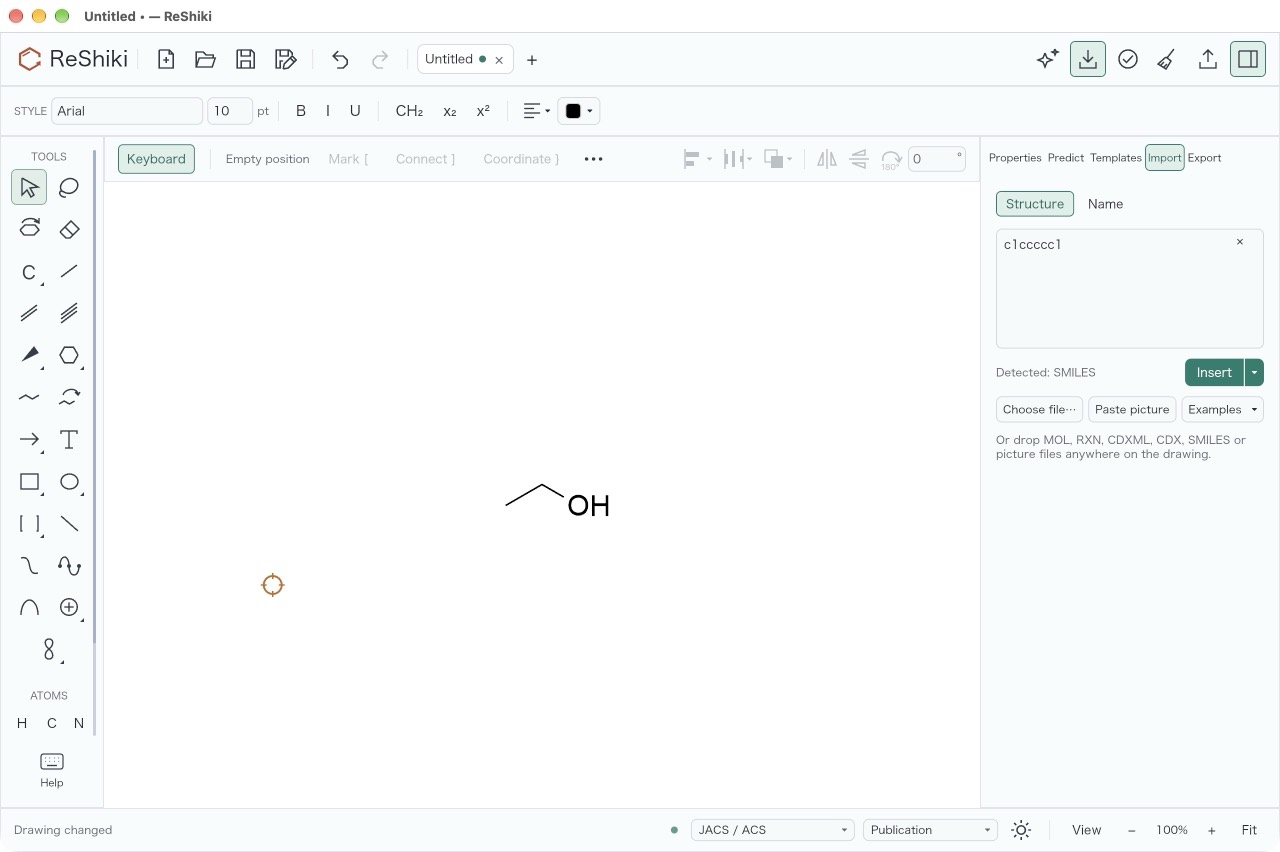
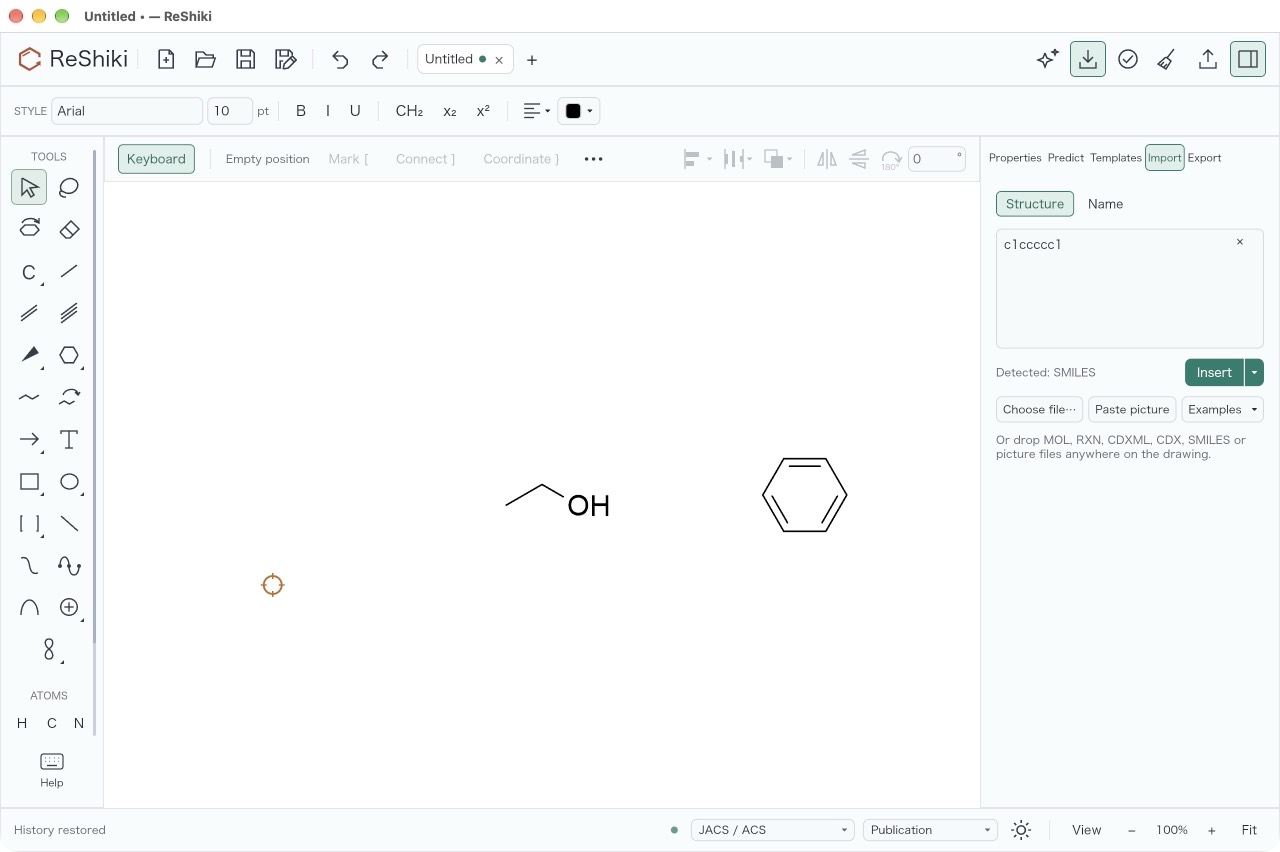
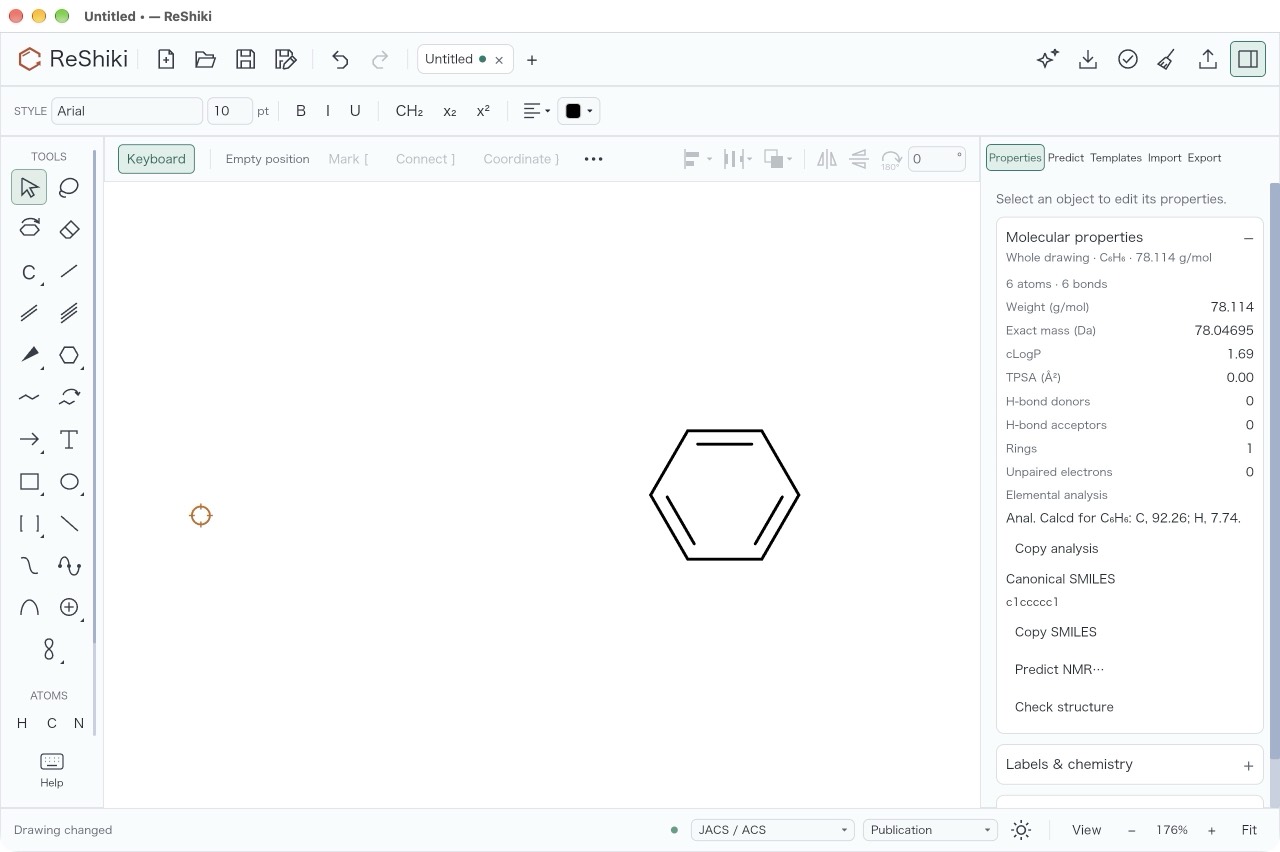
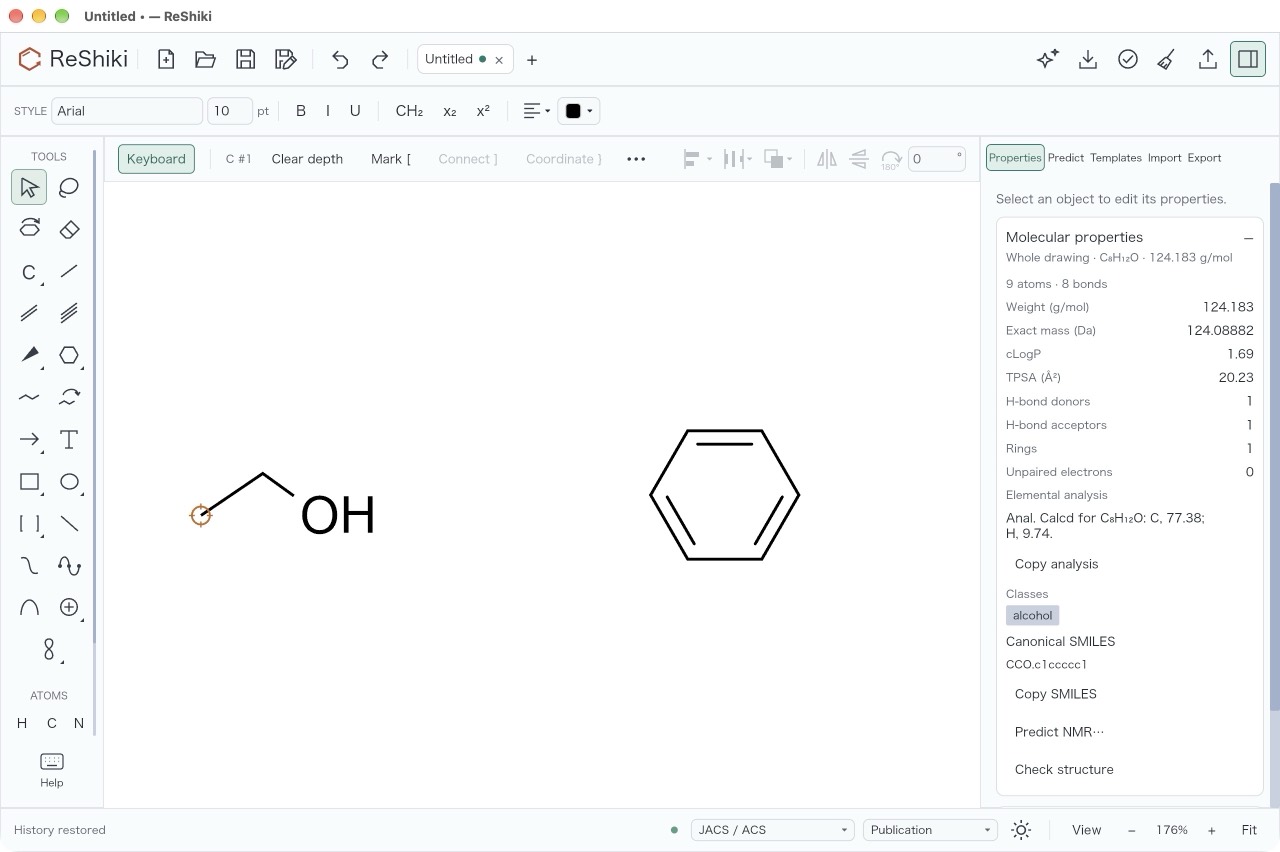
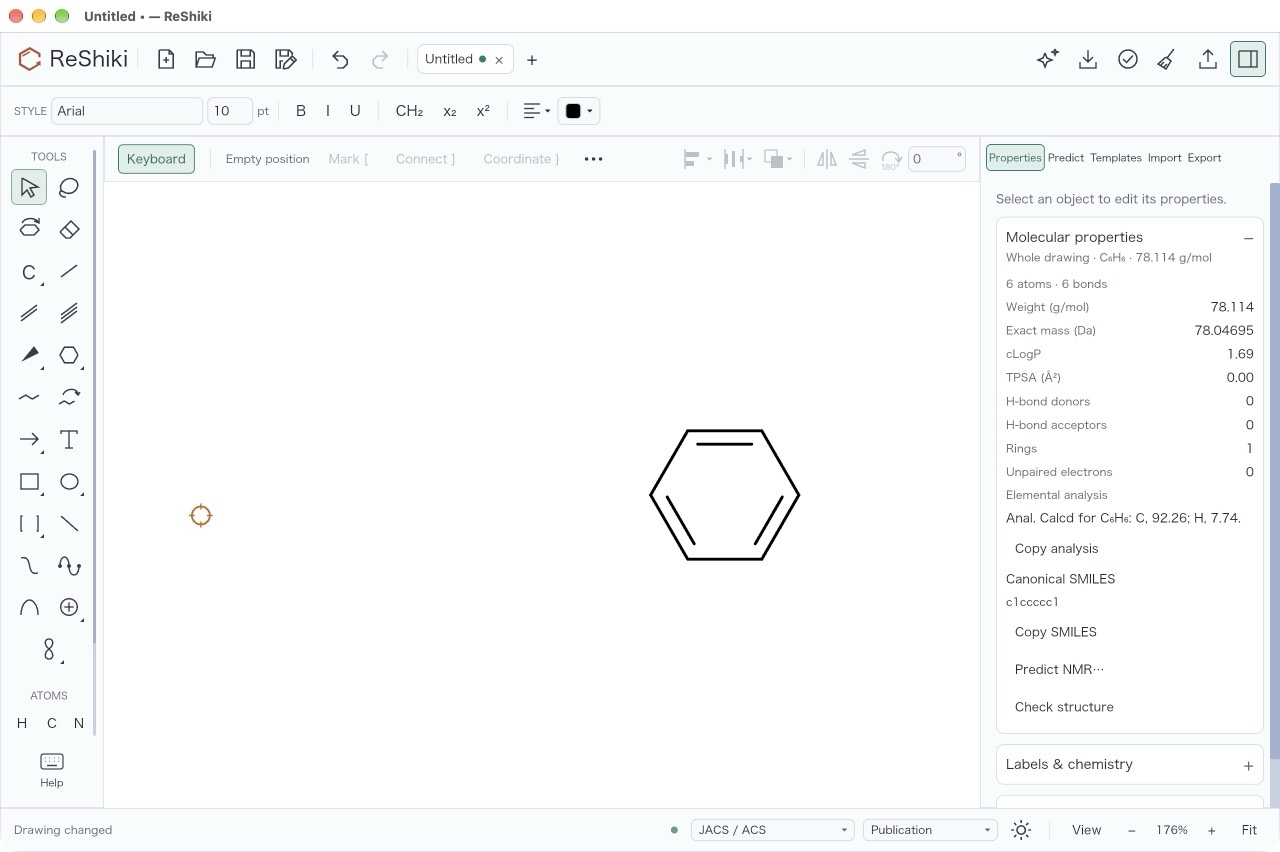
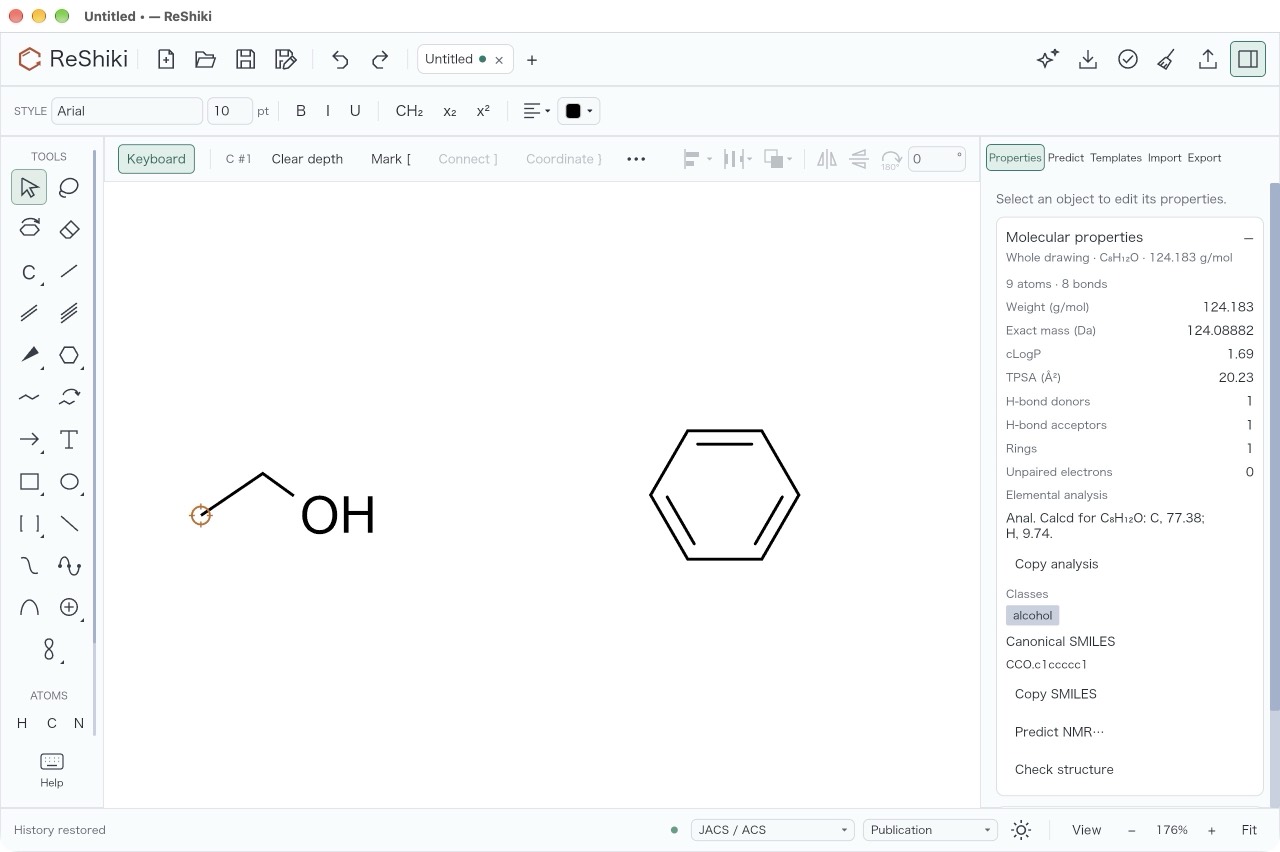
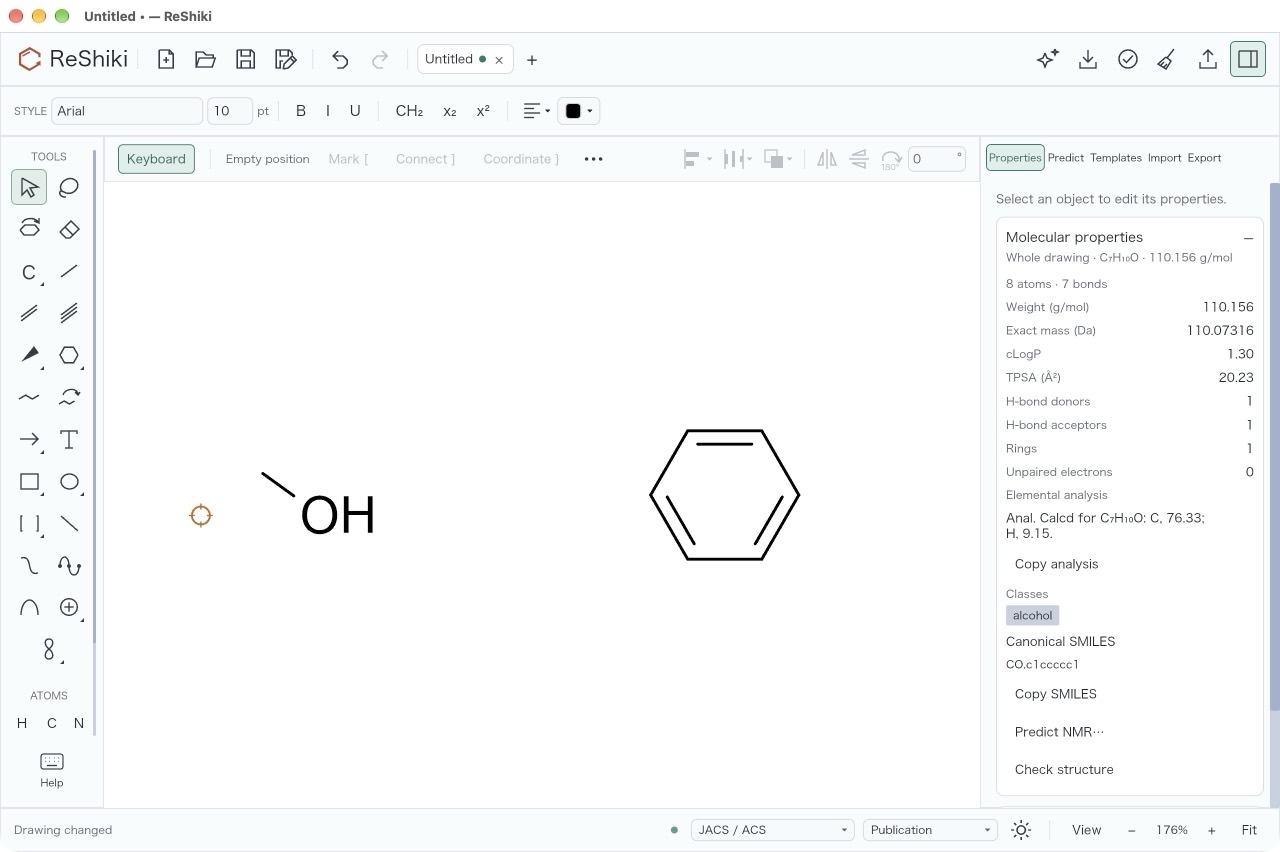
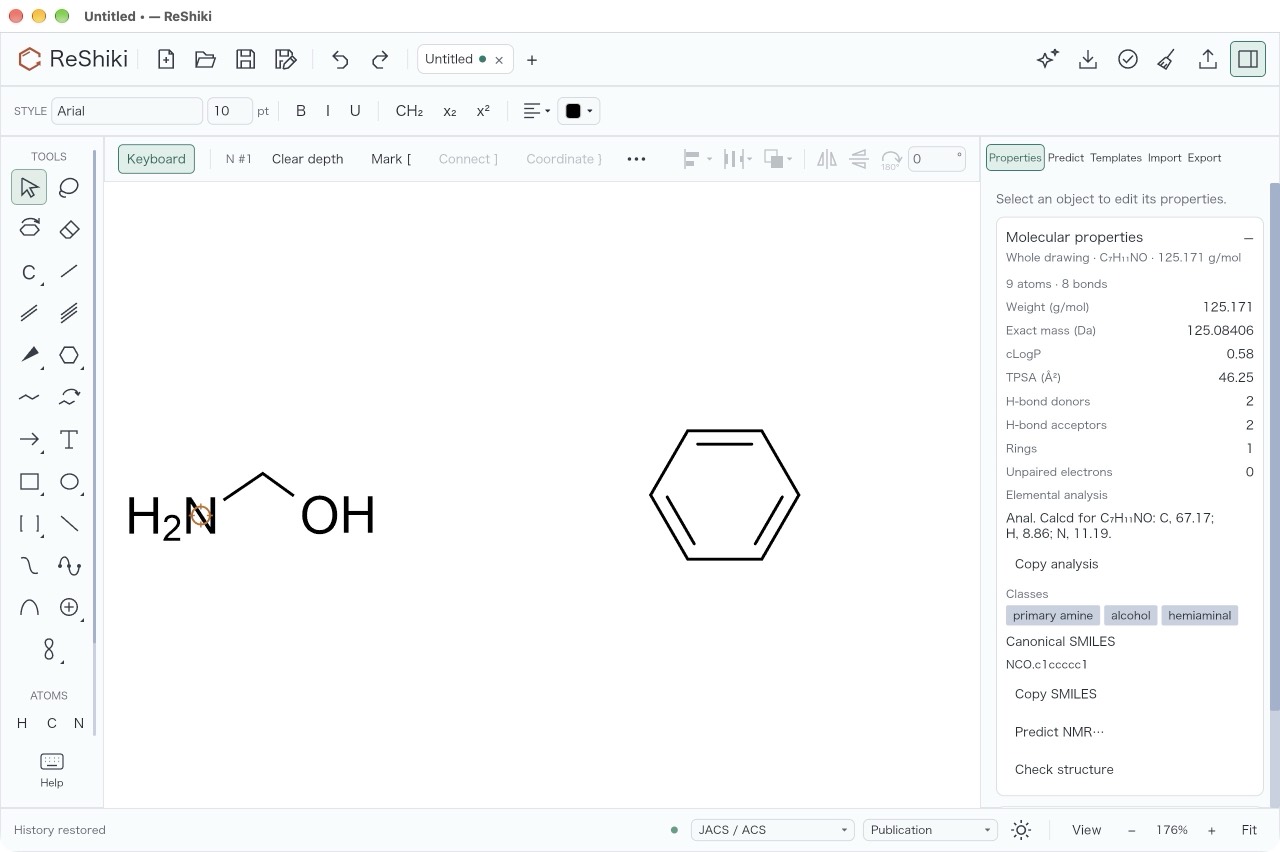
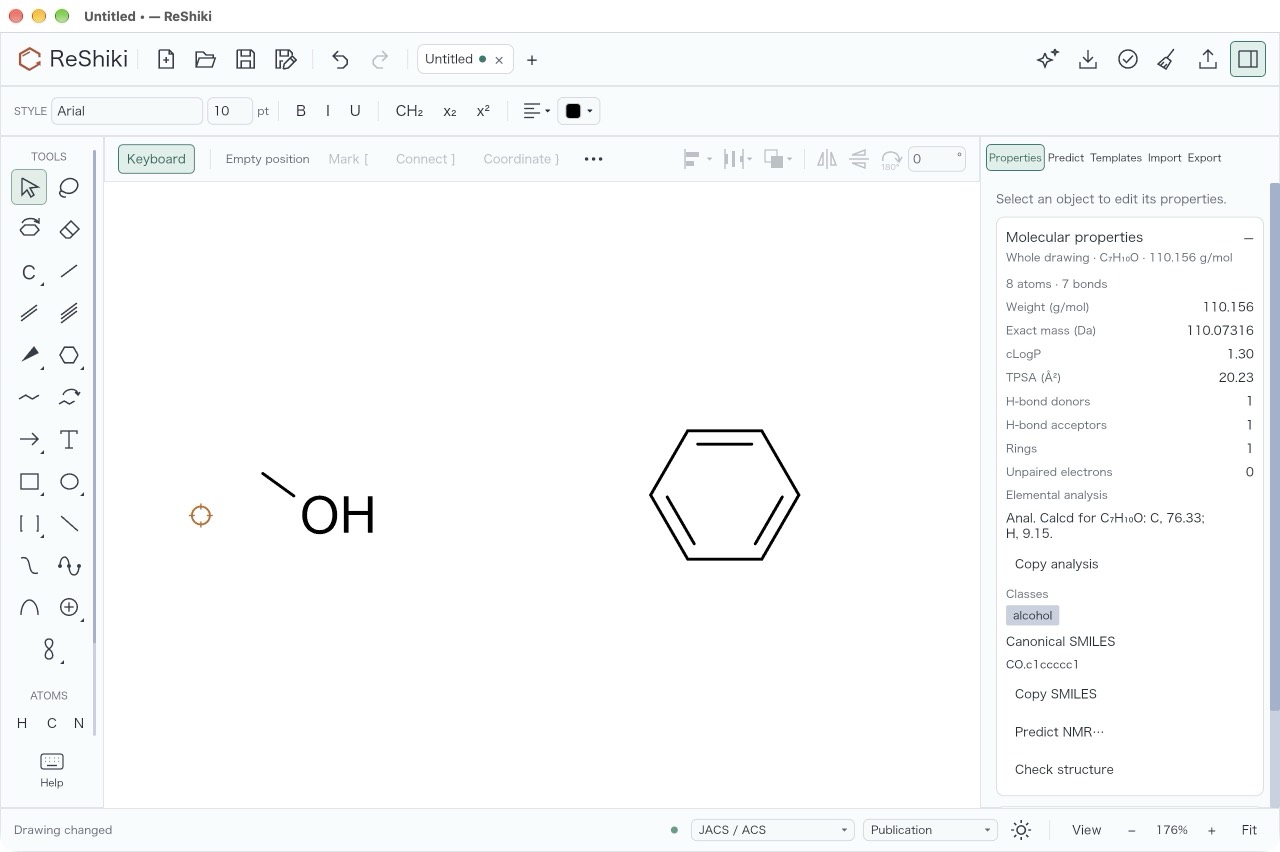
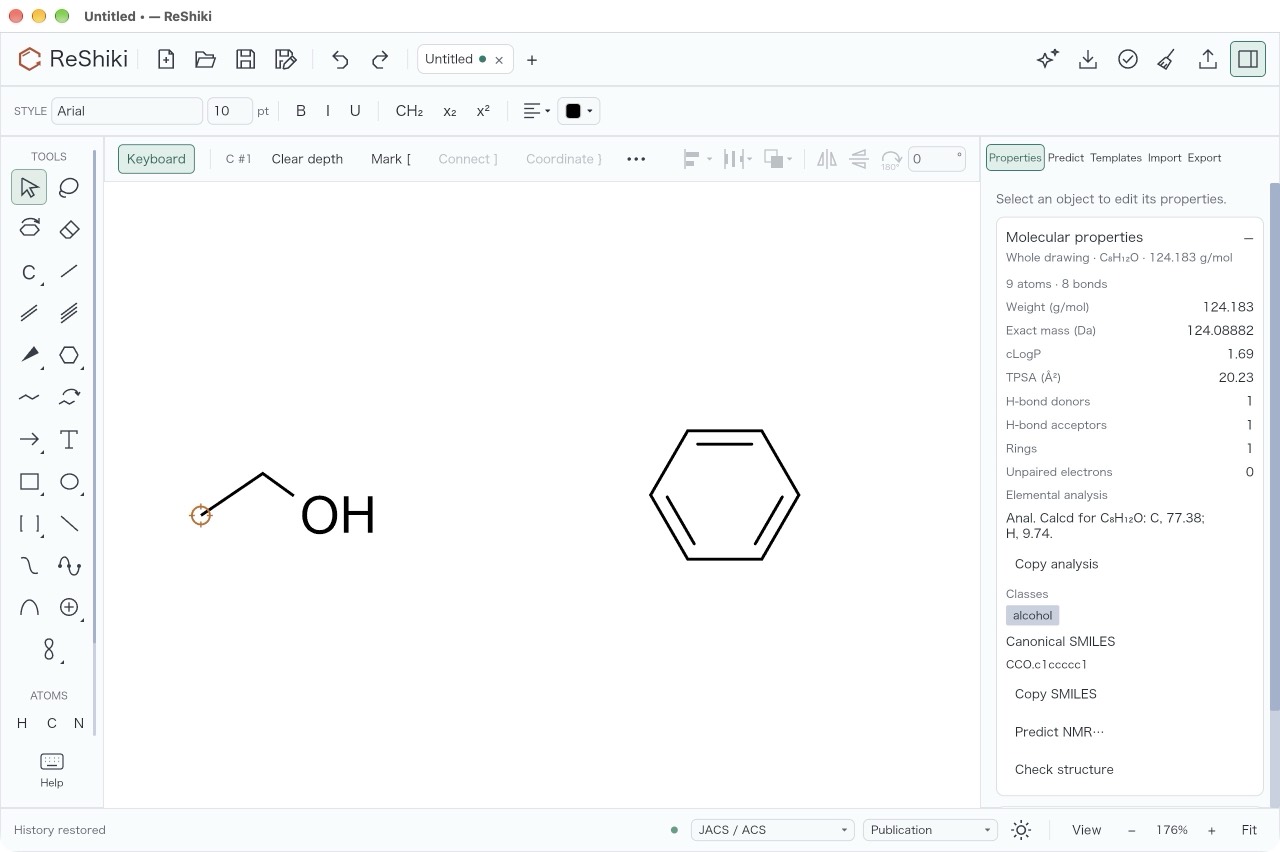
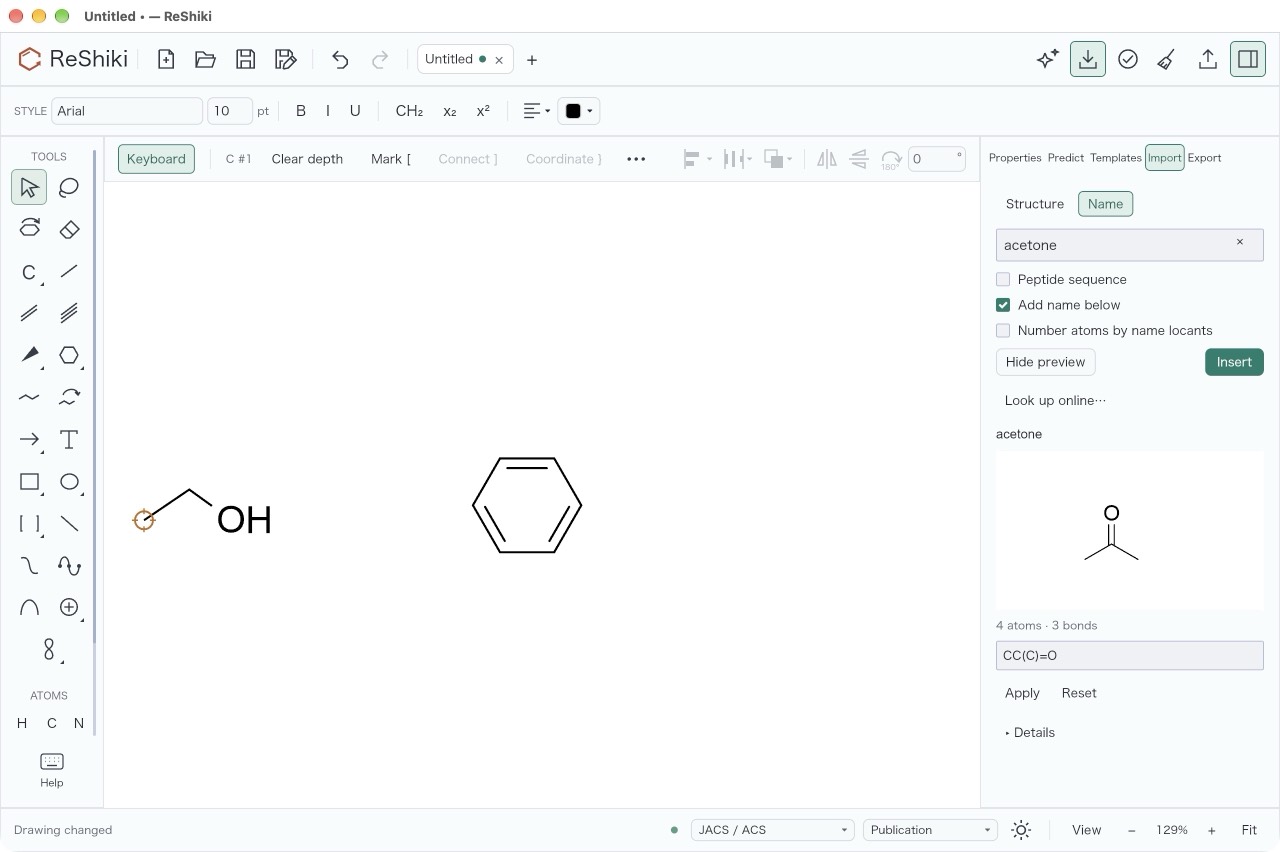
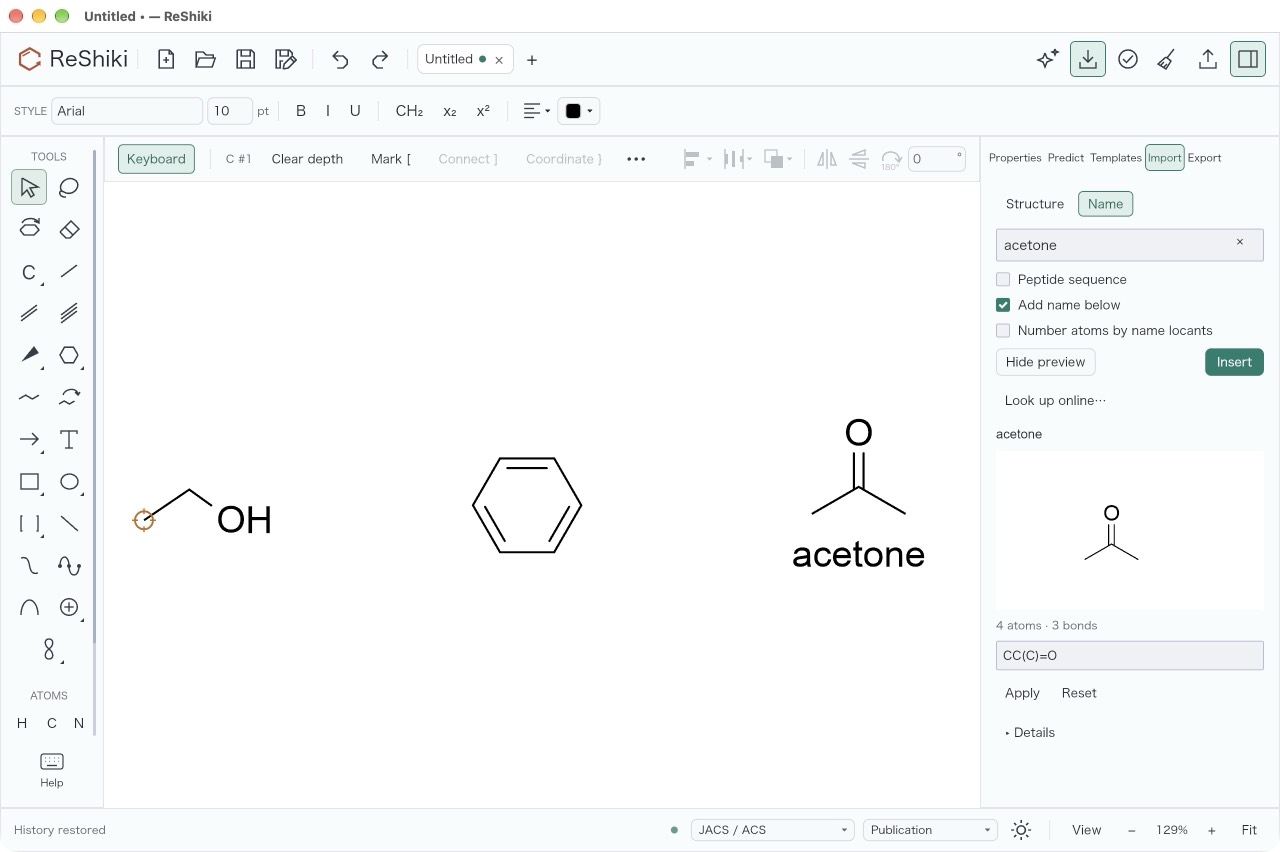
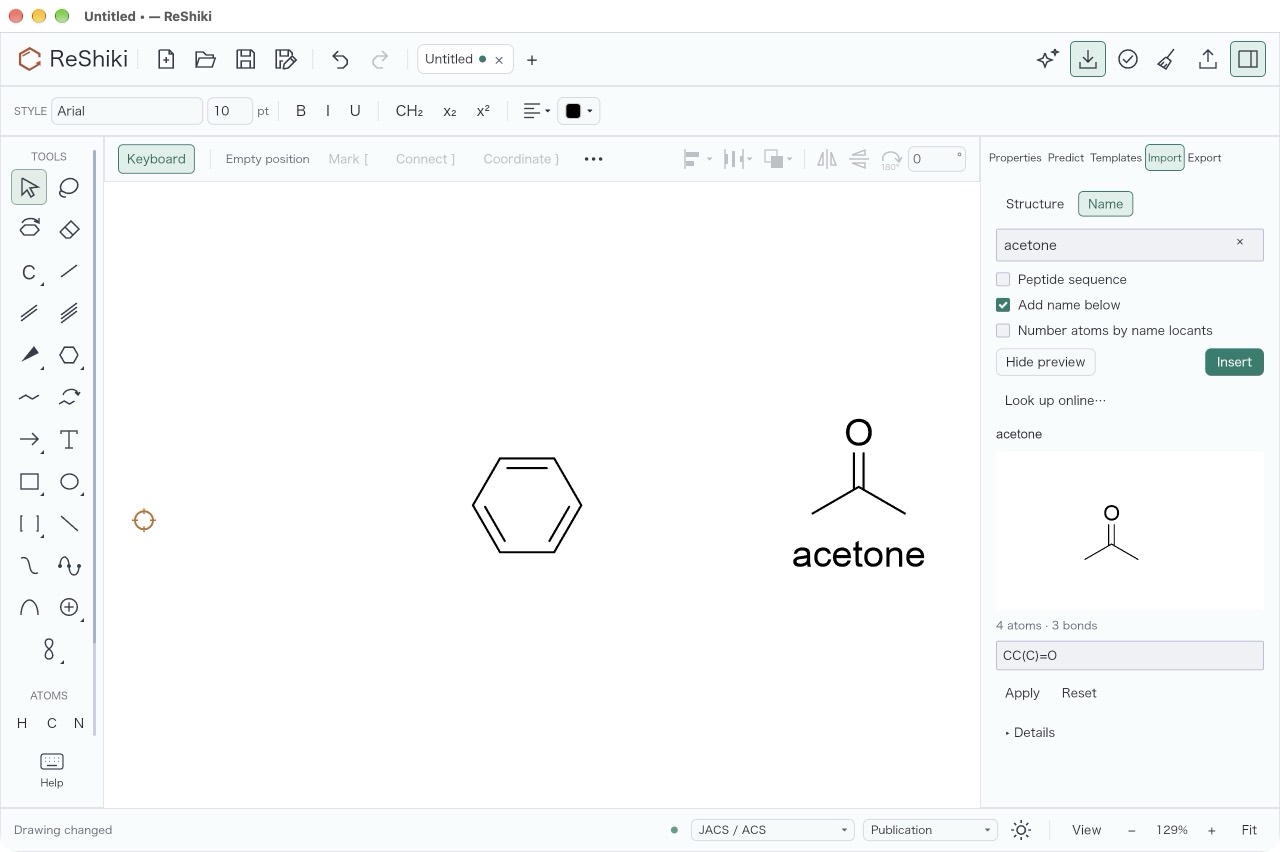
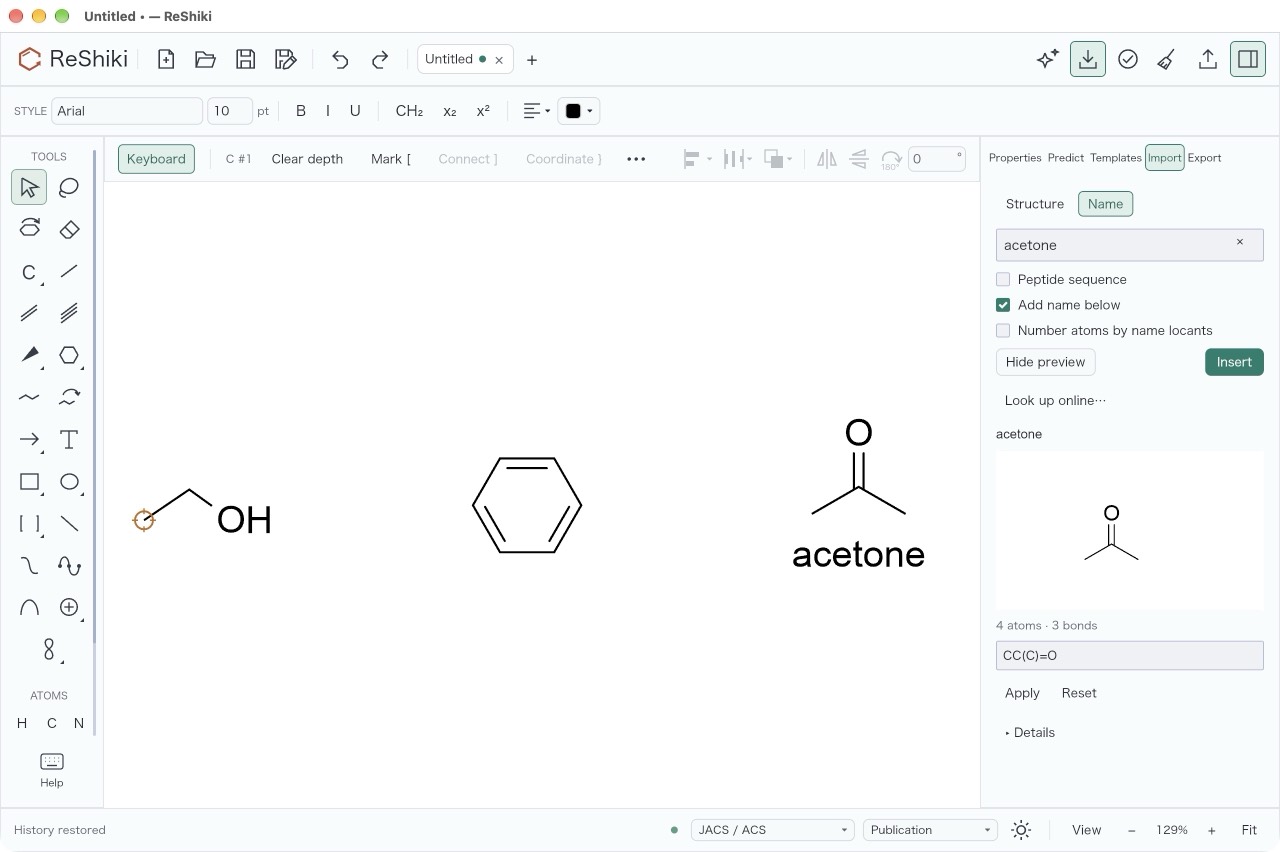
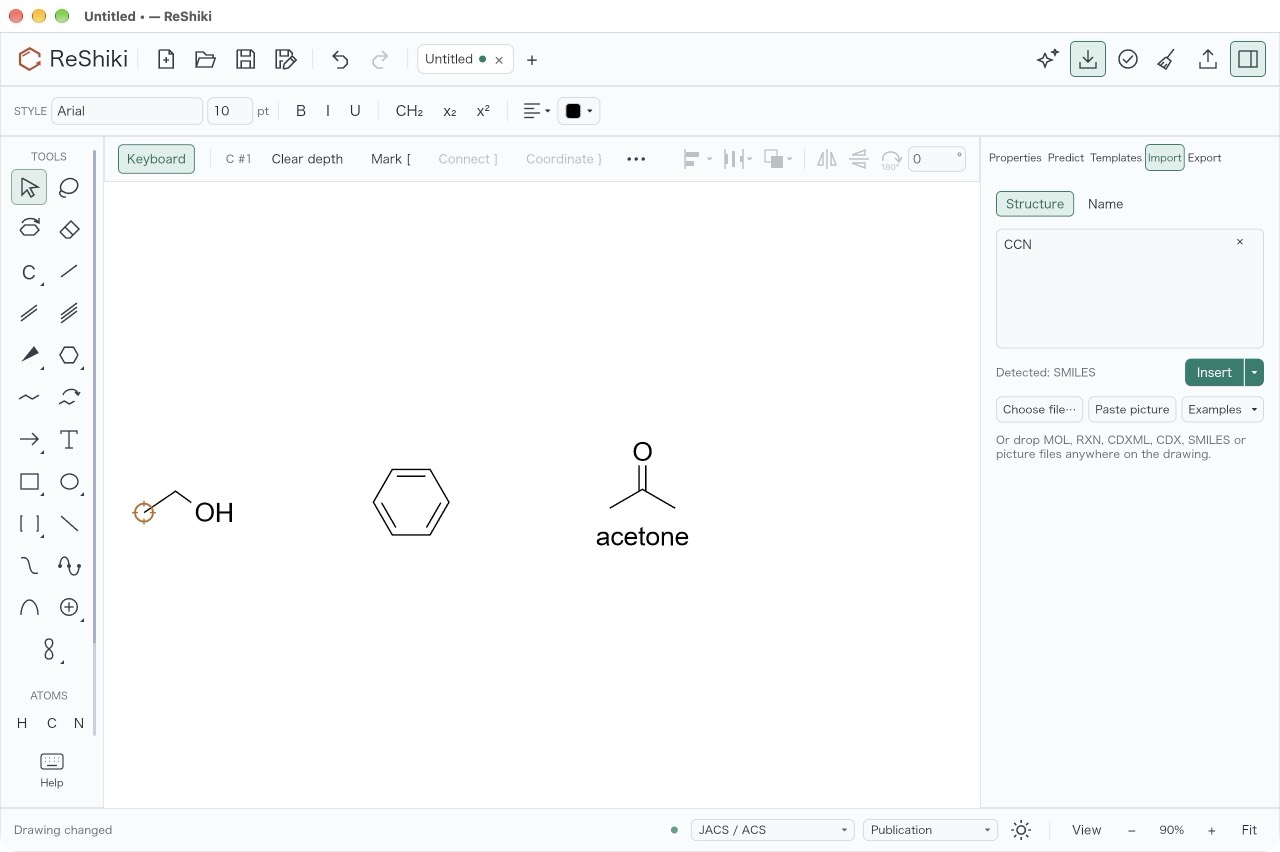
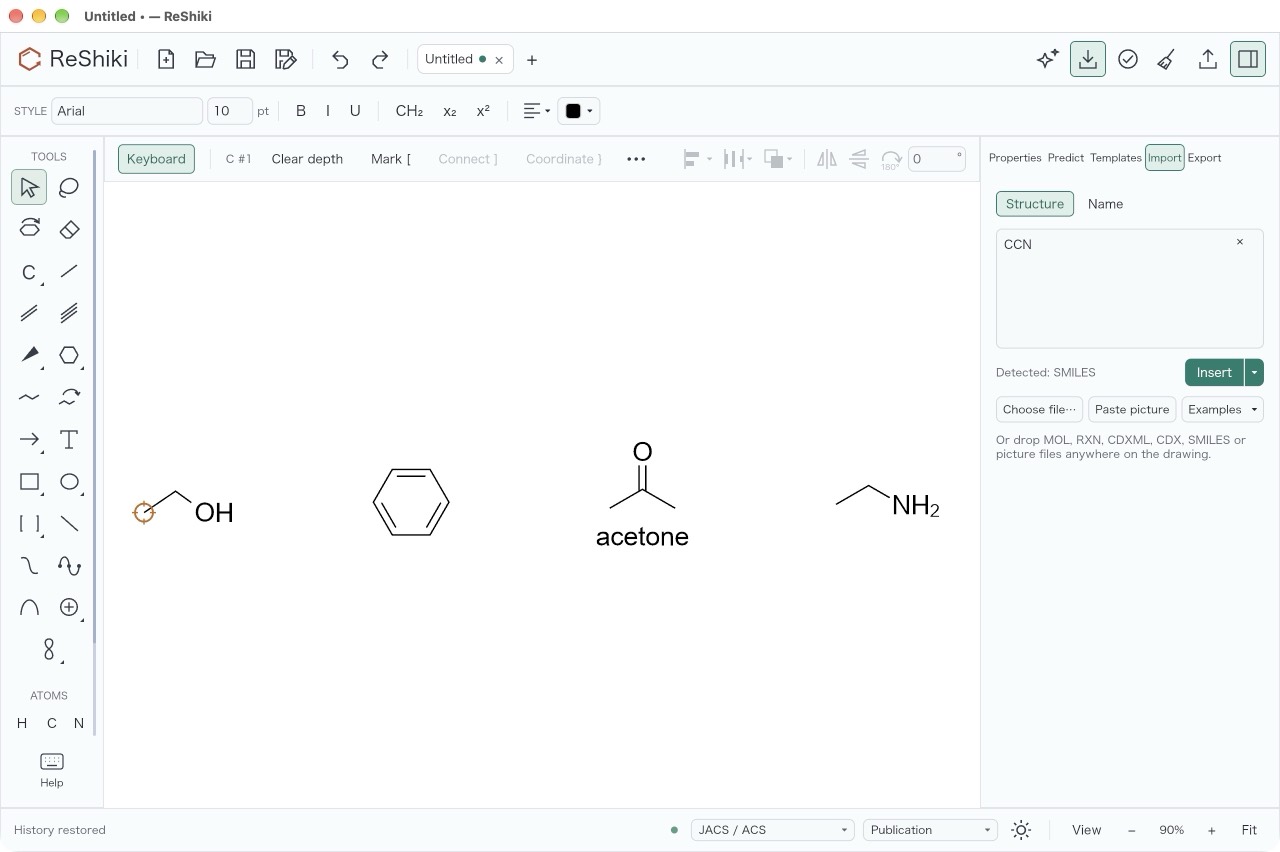
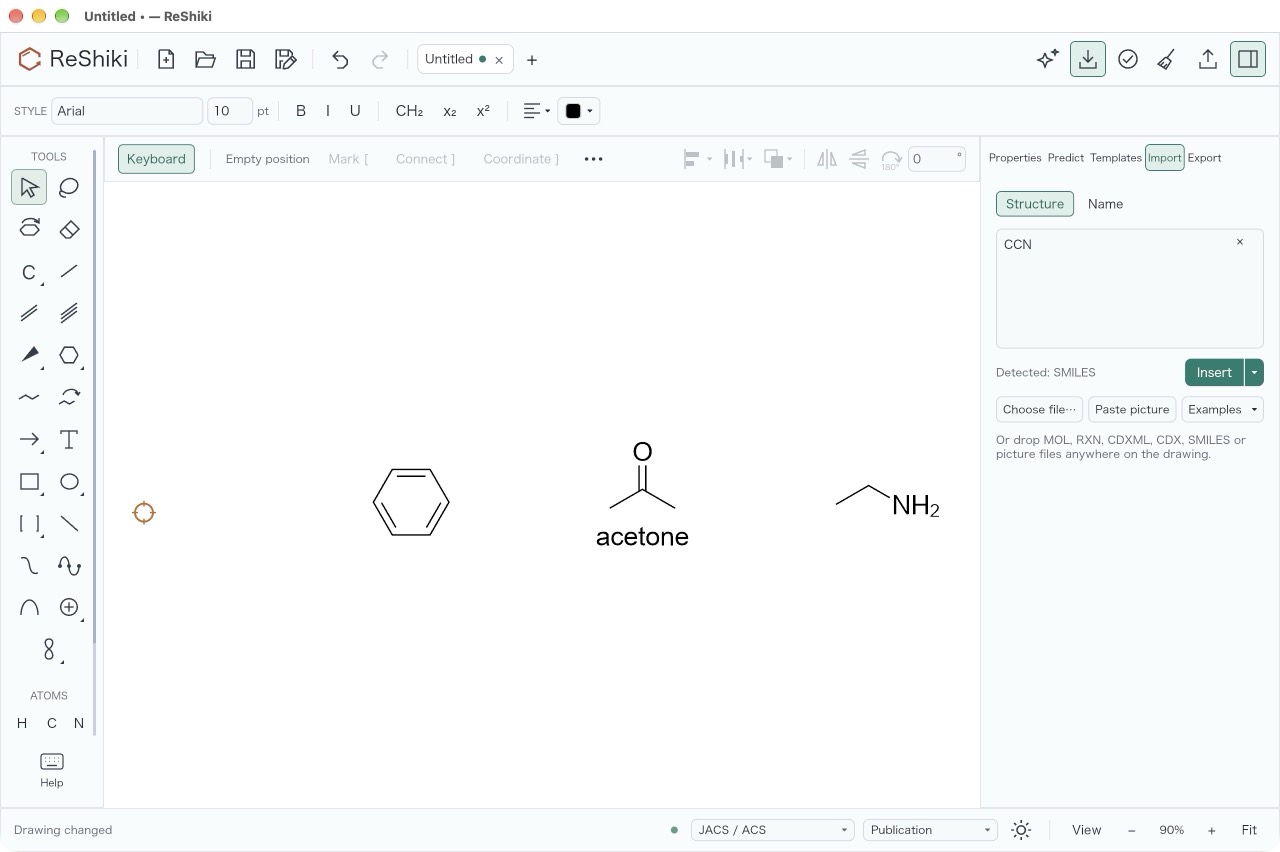
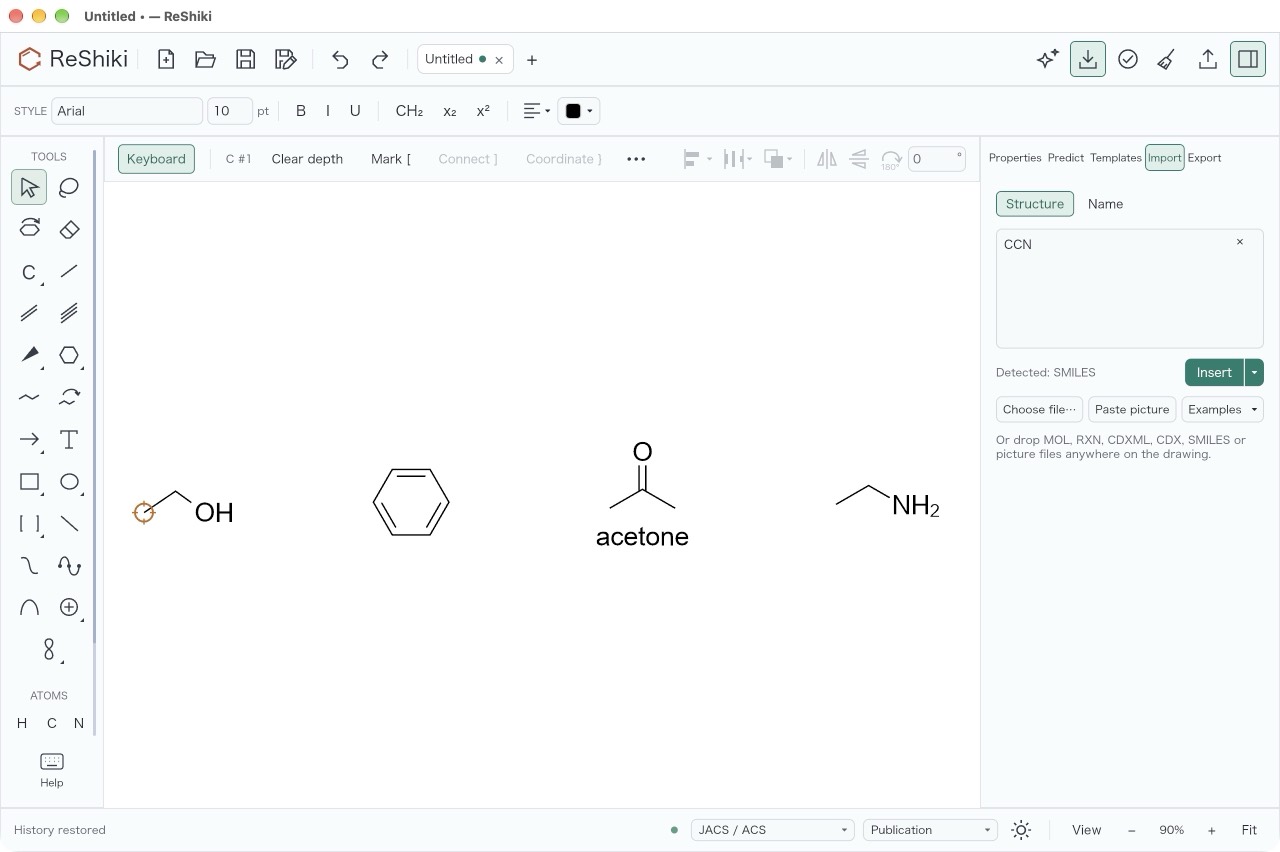
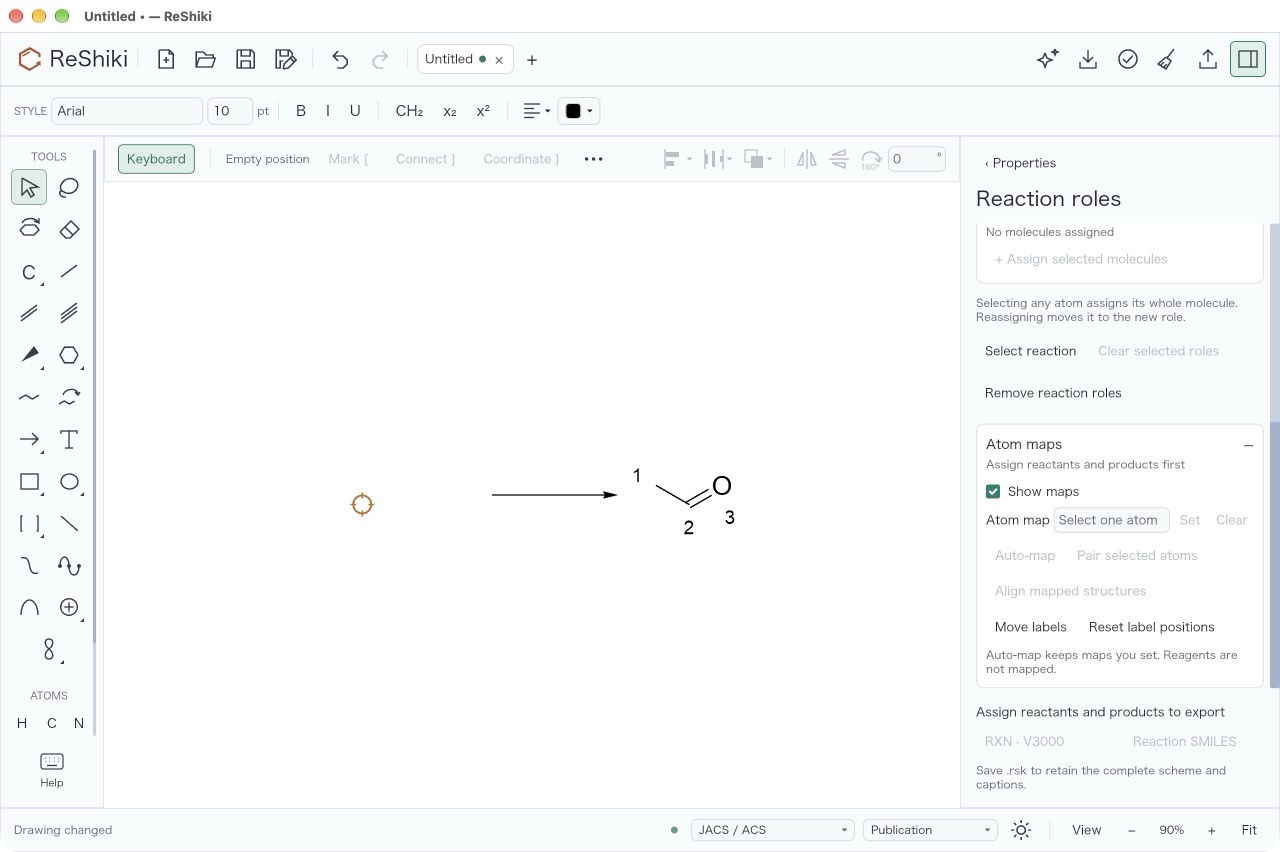
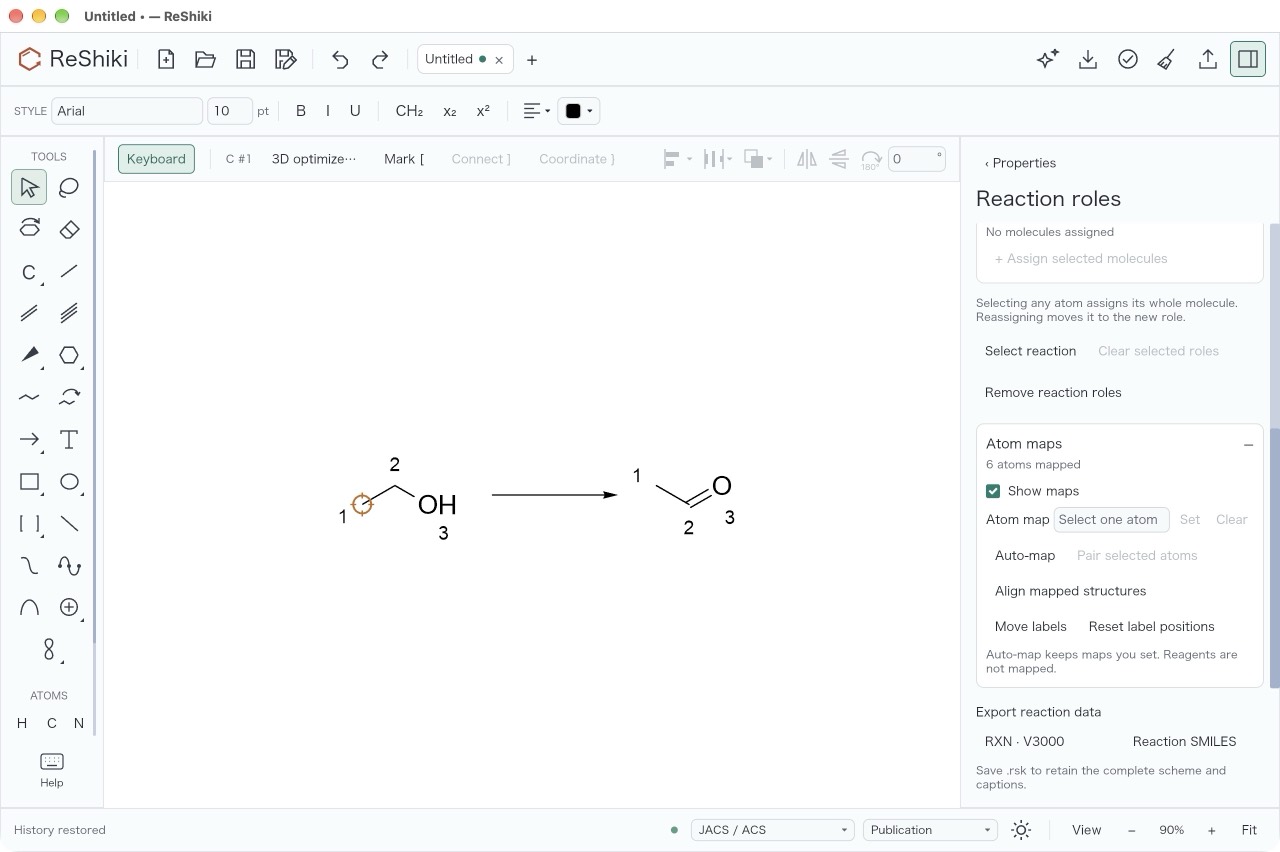
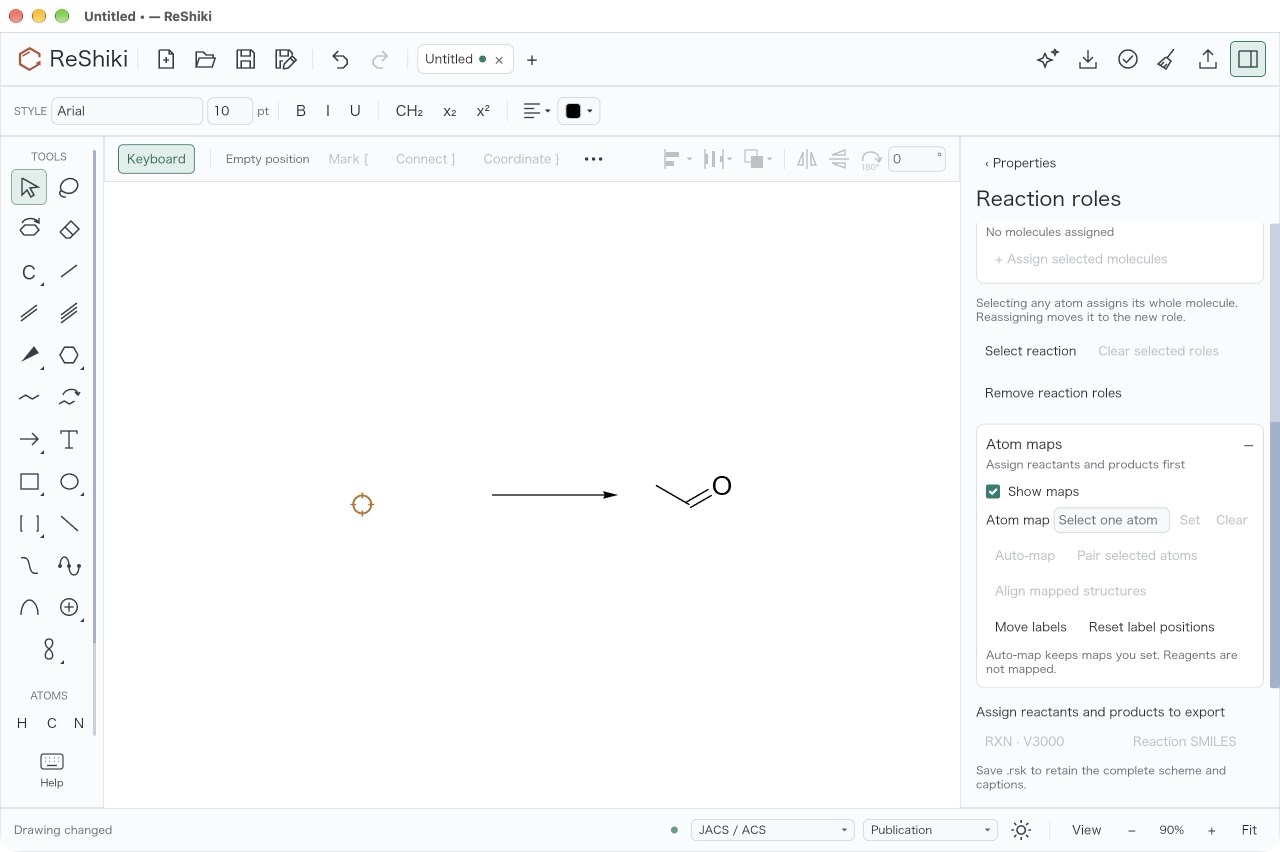
Name and Structure import are sidebar panels: Enter, Insert and Esc return
keyboard focus to the drawing and leave the sidebar open with its draft.
Assistant review was not checked because it needs live assistant credentials;
the automated review_close_returns_focus_* tests cover its local buttons.
Compatibility
Section titled “Compatibility”Checked on macOS arm64 with reshiki --cli convert … --to smiles, reading
the same small drawing (anisole) with the debug build of this branch and with
the published 0.14.0 macOS arm64 download:
| Drawing | 0.15.0 | 0.14.0 |
|---|---|---|
| Version 30, default style | Opens | Opens |
Version 35, style with crossing_clearance_pt 0.5 |
Opens | Refused: “This drawing was made with a newer version of ReShiki (document version 35). Update…” |
| Version 36 header | Opens | Refused: “This drawing was made with a newer version of ReShiki (document version 36). Update…” |
The version 35 row is the version that file_version gives such a drawing
since #1171. The 0.14.0 CLI cannot load .reshiki-style files, so the
style-file case was not run. From the code: 0.14.0’s
document_styles::load_bytes, used by Load drawing style, parses the same
DrawingStyle with deny_unknown_fields, so it reports “Invalid drawing
style: unknown field crossing_clearance_pt, …”.